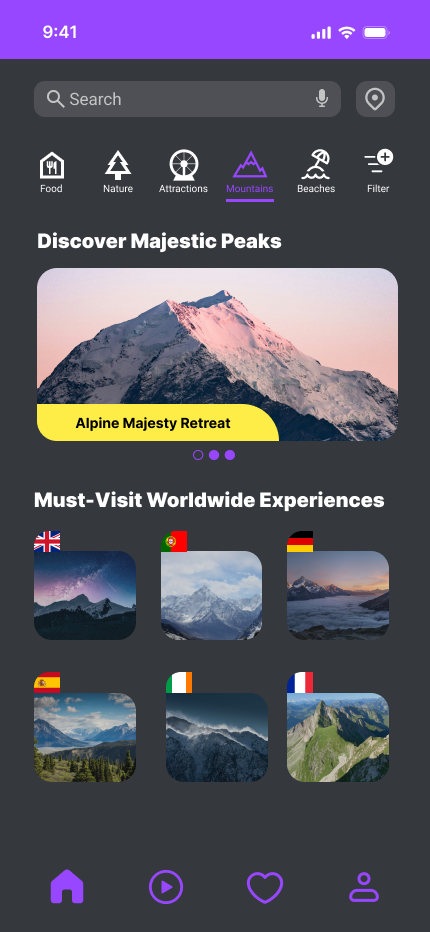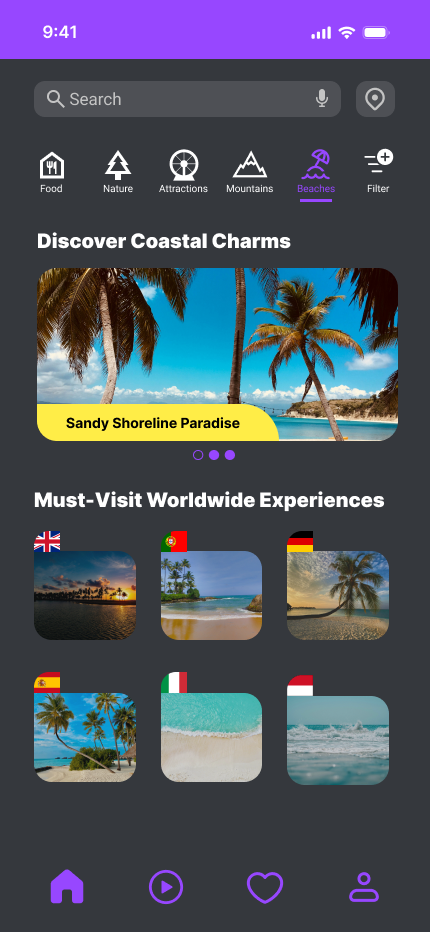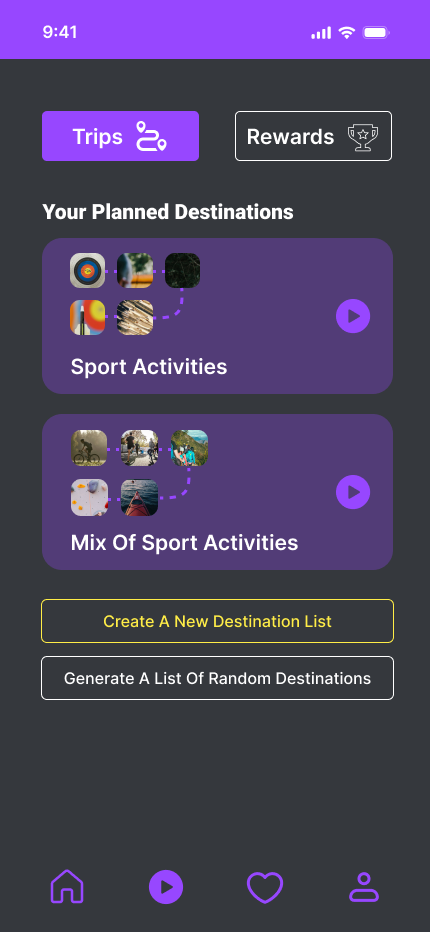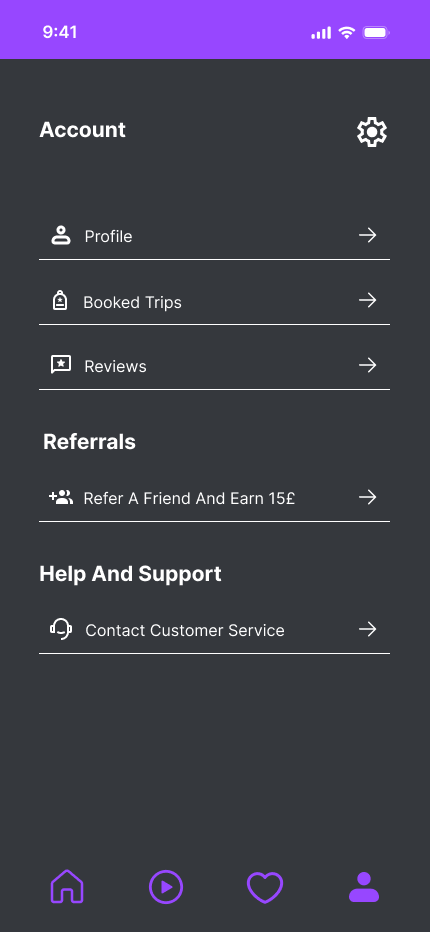
Travel App Design

Activity Fusion

A gamified travel app that enhances the travel experience through activity booking with rewards and achievements

Mobile App Travel & Tourism Gamification Activity Booking
Project Details

My Role

UX/UI Designer, Researcher

Platform

Mobile (iOS & Android)

Tools

Figma, Teams, Microsoft Forms

Introduction

Activity Fusion is a travel application designed to enhance the travel experience by allowing users to book various activities. The app integrates gamification elements to make every journey engaging, offering rewards and achievements to encourage exploration and discovery.

The Challenge

Traditional travel apps present several critical challenges that hinder user experience and engagement:

Fragmented Experience

  • • Redirects to third-party booking sites (TripAdvisor)
  • • Requires multiple clicks across different platforms
  • • No unified booking process

Information Overload

  • • Overwhelming options after filtering (Airbnb)
  • • Confusing filter systems (Yelp)
  • • Excessive icons cluttering the interface

Limited Personalization

  • • Lack of tailored recommendations
  • • No dietary preference filters (halal, vegan, etc.)
  • • Generic search results

Low Engagement

  • • No motivational features
  • • Lack of gamification elements
  • • Limited user interaction beyond booking

The Goal: Design a unified travel activity booking platform that combines personalization, gamification, and seamless booking in one cohesive experience.

Methodology

Competitor Analysis
Questionnaire
Survey
Secondary Research
Brainstorming
Wireframe Testing
Interviews
Empathy Map
Personas
Journey Map
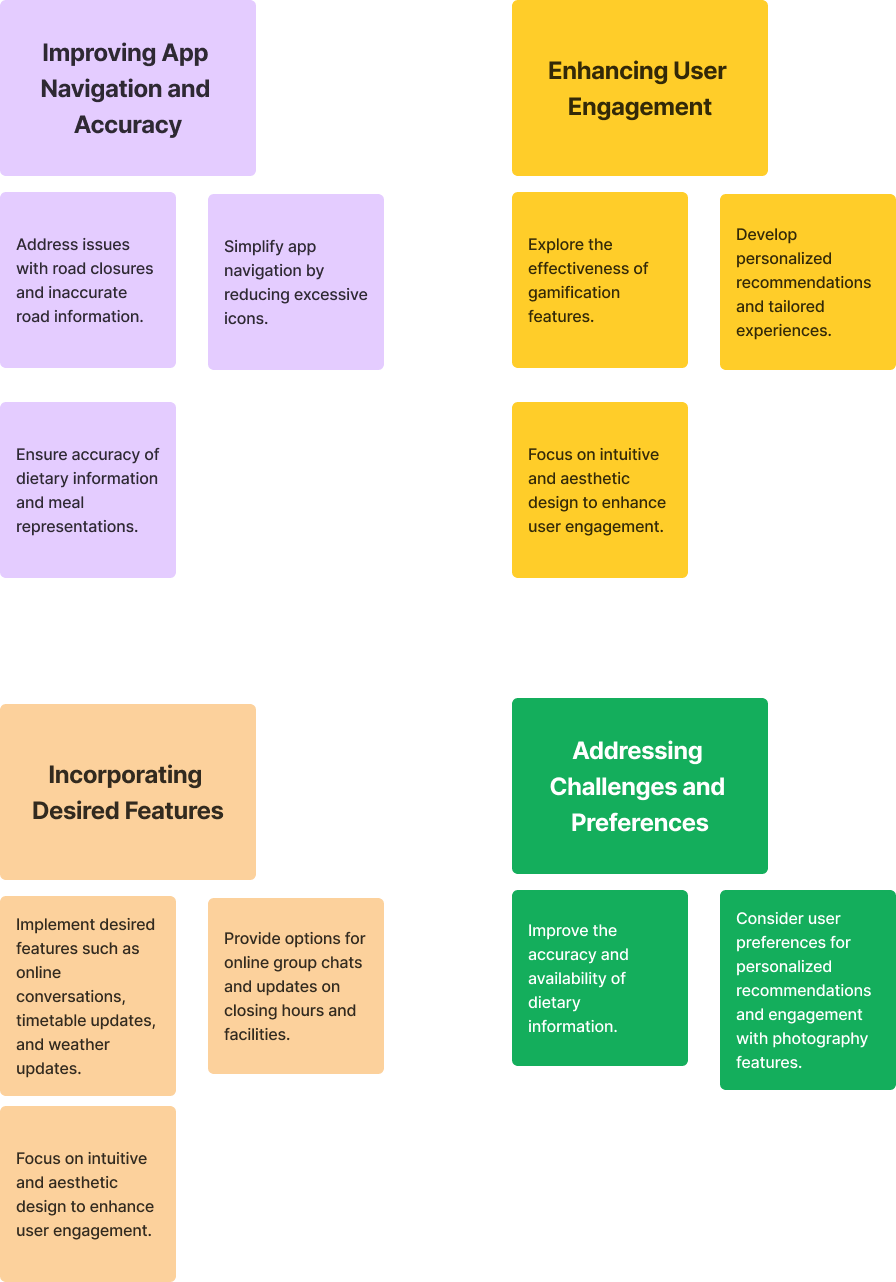
Affinity Diagramming
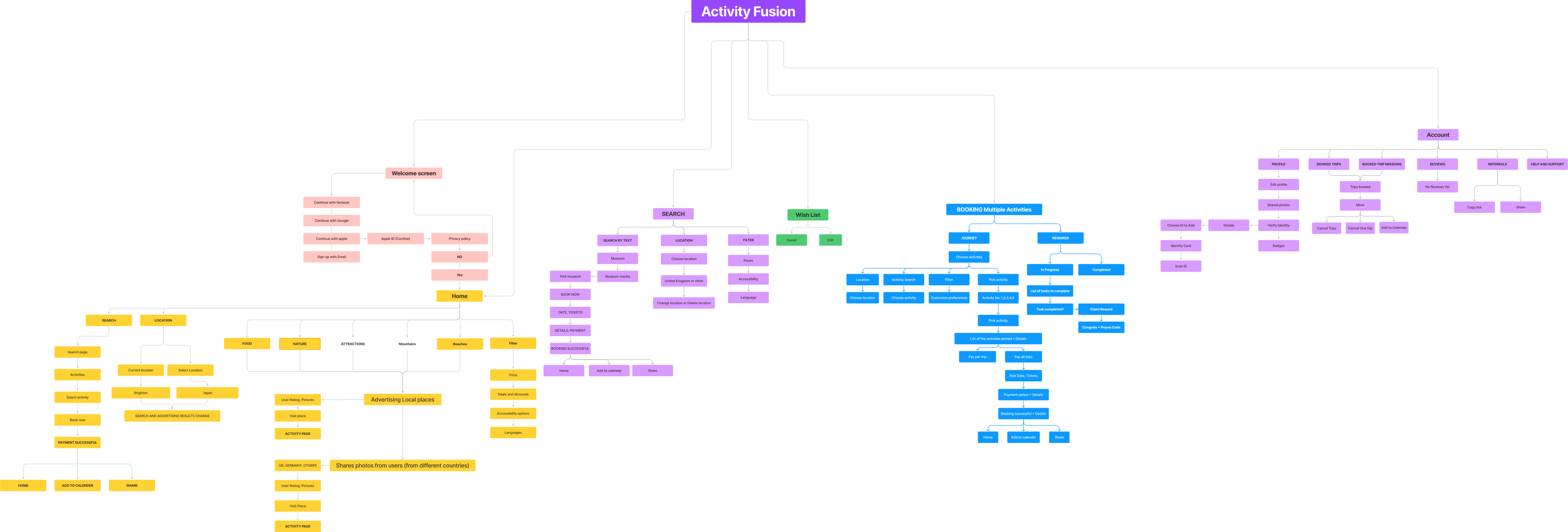
Information Architecture

Research & Discovery

Competitive Analysis

TripAdvisor

Comprehensive travel platform with reviews and bookings

Advantages:
  • • Easy exploration with great recommendations
  • • Comprehensive options for all travel needs
Disadvantages:
  • • Redirects to third-party sites during booking
  • • Requires more user clicks

Airbnb

Accommodation and experience booking platform

Advantages:
  • • Visual filter representation
  • • Smooth booking with installment options
  • • Online experiences available
Disadvantages:
  • • Overwhelming options after filtering

Yelp

Local business discovery with reviews and photos

Advantages:
  • • User-friendly homepage
  • • Great interaction options
Disadvantages:
  • • Confusing filters
  • • Cannot book online

Visit Brighton

Local destination guide and booking platform

Advantages:
  • • Accessible options
  • • Good search refinement
Disadvantages:
  • • Poor button size ratio
  • • Navigation issues

Secondary Research Insights

Research Objectives

  • • Understand motivations for using travel apps
  • • Identify factors influencing continued use
  • • Examine reasons for discontinuation

User Motivations

Functional Benefits

Convenience and time-saving

Ease of Use

Intuitive design and navigation

Enjoyment

Engaging and visually appealing interfaces

Questionnaire, Interviews and Survey

Conducted a questionnaire, interviews, and survey to gather user insights on their travel app usage, preferences, and pain points.

Key Findings

🏨

Users frequently use travel apps for booking accommodations and exploring activities

🎯

High demand for personalized recommendations and user-friendly interface

🎮

Gamification elements like rewards and achievements increase user engagement

Q
Questionnaire

Written responses about travel app usage patterns and preferences

I
Interviews

One-on-one conversations exploring navigation and gamification

S
Survey

Quantitative data on behaviors and feature preferences

Questionnaire Results

Three participants provided detailed written responses about their travel app experiences and expectations.

1

Participant 1 - The Planner & Photographer

Experience:

Uses Airbnb, Booking.com, and Google Maps for planning and booking

Motivations:
  • • Trip documentation
  • • Photography opportunities
  • • Finding recommendations
Challenges:
  • • Overwhelmed by excessive planning
  • • Needs personalized recommendations
Preferences & Suggestions:
  • • Values aesthetics and ease of use
  • • Wants hidden spot recommendations
  • • Photography focus important
  • • Incorporate user comments and ratings
2

Participant 2 - The Social Media Traveler

Experience:

Uses travel apps for flights and accommodations, relies on TikTok for recommendations

Motivations:
  • • Security through accessible trip documents on phone
  • • Quick access to bookings
Challenges:
  • • Time constraints
  • • Budget limitations
Preferences & Suggestions:
  • • Intuitive design priority
  • • High usability essential
  • • Values user feedback
  • • Include comments and ratings for places
3

Participant 3 - The Budget Gamer

Experience:

Uses Google Maps, Booking.com, and Airbnb; prefers activity-suggesting apps

Motivations:
  • • Finding affordable accommodations
  • • Discovering enjoyable activities
  • • Gamification as motivator
Challenges:
  • • Finding budget-friendly activities
Preferences & Suggestions:
  • • Game-like elements
  • • Earning points system
  • • Progress tracking
  • • Trip organizer feature
  • • Location-based activity suggestions

Overall Insights

"Participants prioritize ease of use, personalized recommendations, and user feedback in travel apps, valuing features that enhance trip planning and discovery."

Top Priority

Ease of use

🎯
High Demand

Personalization

💬
Essential Feature

User feedback

User Interview Insights

Participant 1 - Navigation Focused User

Key Behaviors:
  • • Prefers Google Maps over Waze
  • • Searches for places and trip durations
  • • Values accurate park information
Desired Features:
  • • Online conversations and group chats
  • • Weather updates integration
  • • Meal service updates

Participant 2 - Commuter User

Key Behaviors:
  • • Uses City Mapper for commuting
  • • Finds places and nearest routes
  • • Annoyed by excessive icons
Preferences:
  • • Interactive mini-games
  • • Fewer unnecessary icons
  • • Gamification for engagement

Participant 3 - Social Influence User

Key Behaviors:
  • • Relies on Google searches
  • • Values influencer recommendations
  • • Issues with dietary restrictions
Desired Features:
  • • Personalized preferences
  • • Halal food filters
  • • Review-based recommendations

Survey Results

Quantitative survey data collected from participants about travel app usage, preferences, and behaviors.

How often do you use mobile apps for exploring new places or attractions within the city?

42%

Weekly

28%

A few times a month

28%

Rarely

What motivates you to explore new places? *Can select multiple answers*

Curiosity and exploration
25%
Socializing
18%
Seeking out new experiences
25%
Finding local favourites
12%
All the above
12%
Other
6%

Have you ever used gamified apps (e.g. apps with rewards: Duolingo, fitness apps with rewards or apps with game like experience)

71%

Yes

28%

Yes Frequently

Which gamification features would make you more likely to use the application for exploring a city?

Points or rewards for exploring new places
27%
Challenges or quests to complete in different locations
45%
Achievement badges for visiting places
9%
Leader boards to compare travel progress with friends
9%
All the above
9%

What type of information would you like to see in the app when exploring new places? *Can select multiple answers*

Recommendations for local restaurants or cafes
15%
Events and activities
20%
List of different categories to choose from
15%
Transportation options to reach preferred location
15%
Places to stay
5%
Prices
15%
All the above
15%

Would you like to share your exploration activities with friend or users within the application?

42%

Yes - I enjoy sharing experiences

28%

No - I prefer privately

28%

Maybe - depends on privacy settings

What type of activates do you enjoy doing when you are new in the city and want to explore the place? *Can select multiple answers*

Outdoor activities e.g. hiking or biking
19%
Cultural attractions e.g. museums or art
23%
Attending live events e.g. live performance or concert
23%
Fitness activities or sports
9%
Trying new cuisines
23%
All the above
0%

Are you familiar with the following applications, if so which one or multiple applications did you use before? *Can choose multiple answers or type in Other the app you use*

Airbnb
30%
Tripadvisor
11%
Google Maps
26%
Booking.com
26%
Other
4%

If you had a list of five different locations or activates in your city that you enjoy, all within your budget and nearby, would you be interested in visiting them all?

85%

Yes

14%

Maybe

Key Survey Insights

📊
High Engagement

71% have used gamified apps, showing strong potential for game mechanics

🎯
Top Motivator

Curiosity and seeking new experiences drive 50% of exploration behavior

Strong Interest

85% would visit curated lists of nearby activities within their budget

Research Artifacts

Visual artifacts created from research data to synthesize insights and guide design decisions.

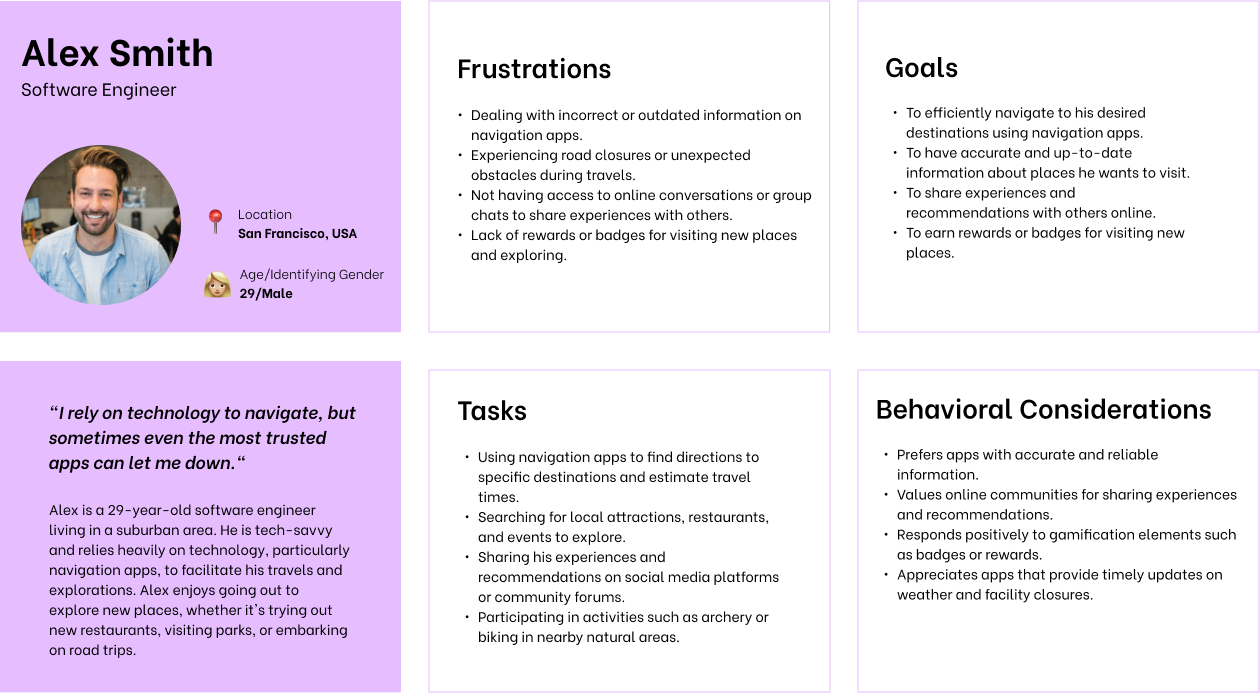
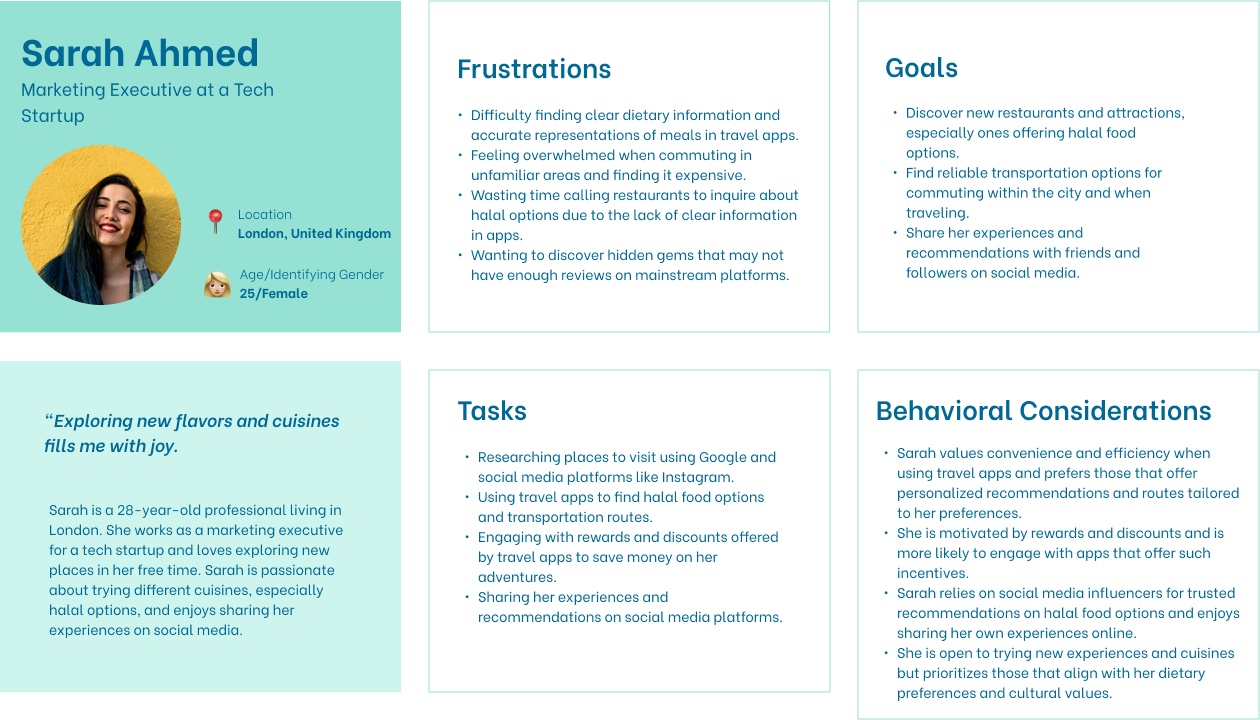
👥 User Personas

User Persona 1
User Persona 2

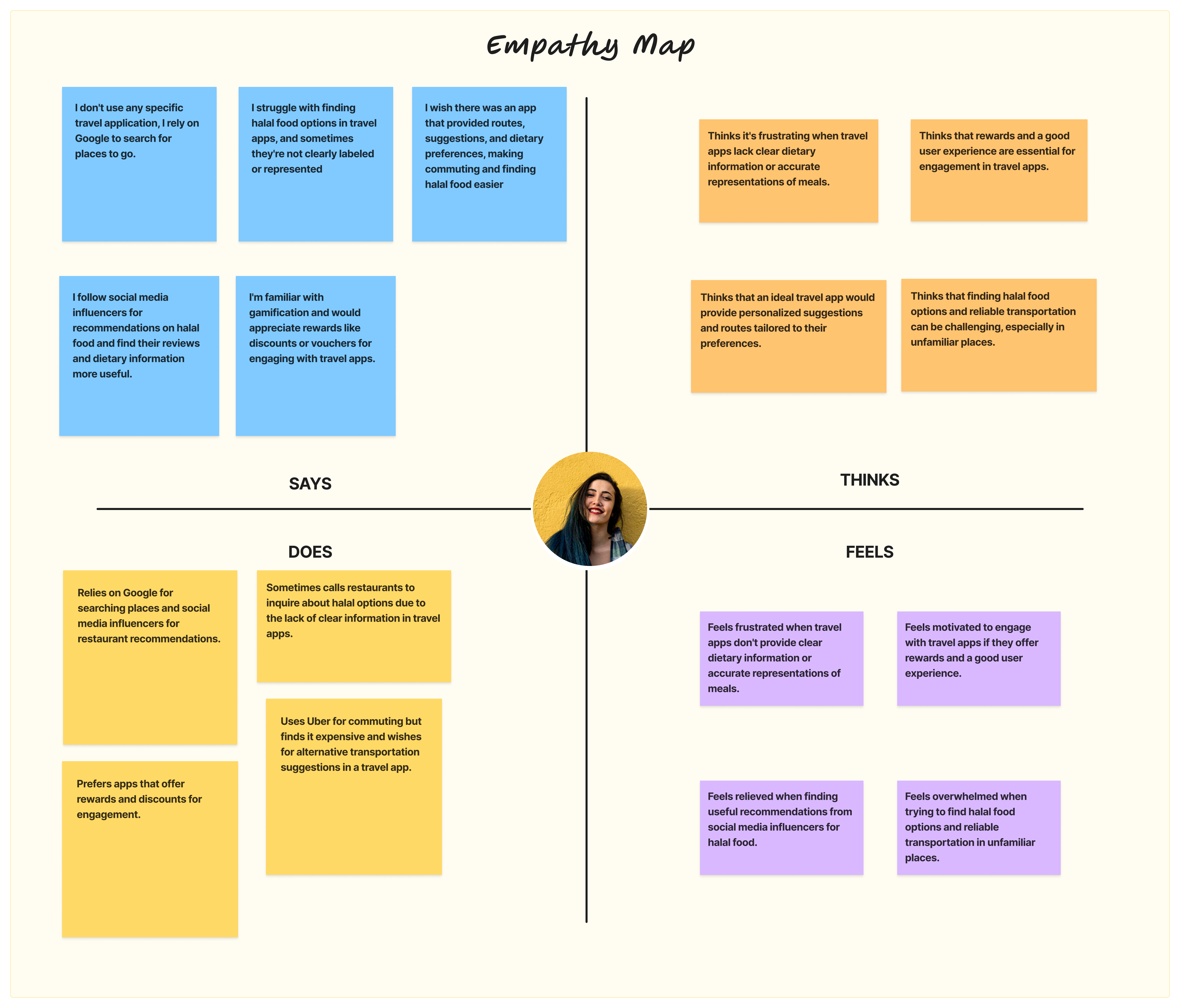
💭 Empathy Map

Empathy Map

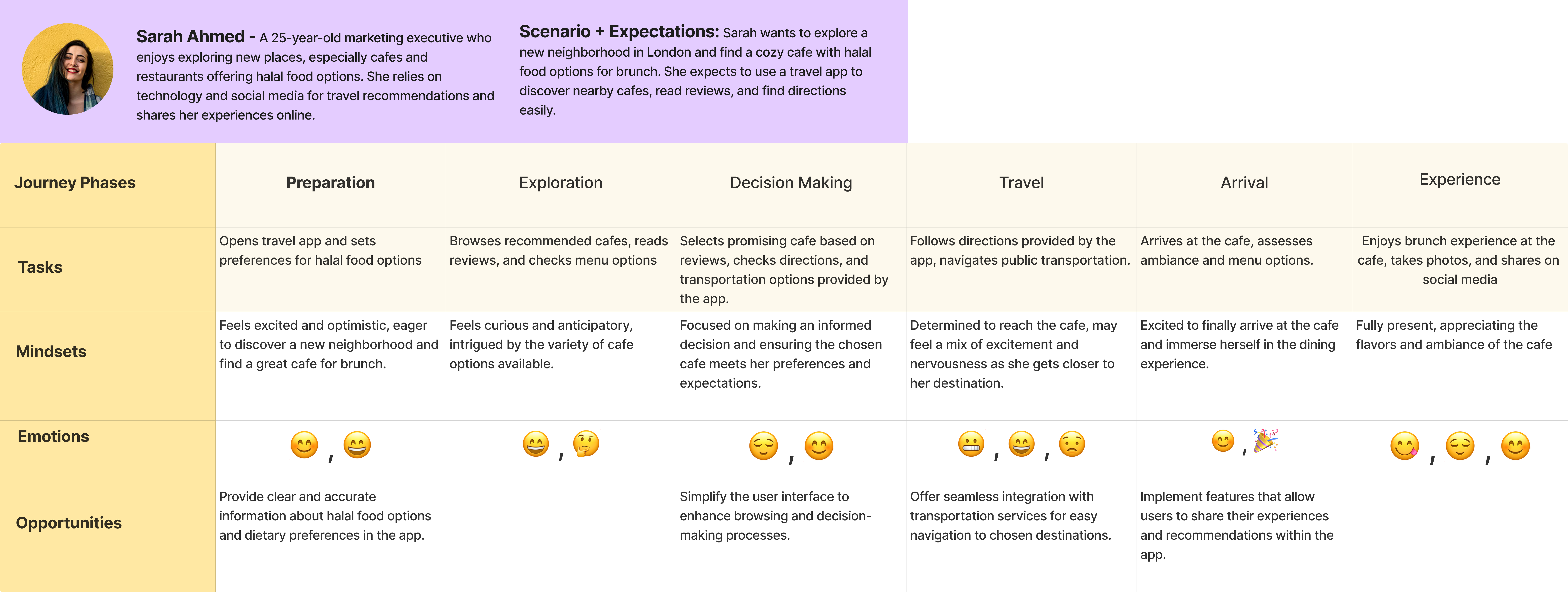
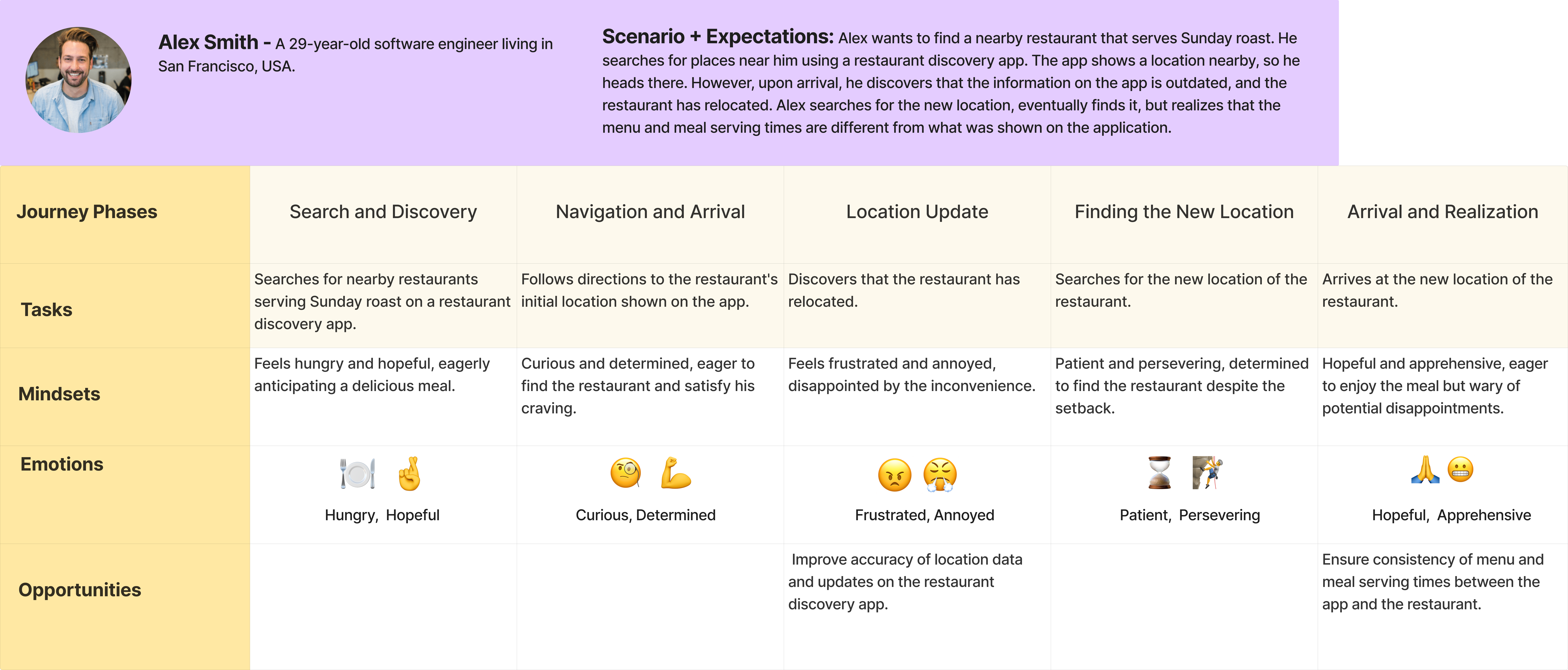
🗺️ User Journey Maps

User Journey Map 1
User Journey Map 2

📊 Affinity Diagram

Affinity Diagram

Design Process

Information Architecture

The information architecture was designed to provide intuitive navigation and clear content organization across all user flows.

📱 Tap image to view fullscreen

Information Architecture Diagram - Tap to view fullscreen

Tap to view fullscreen

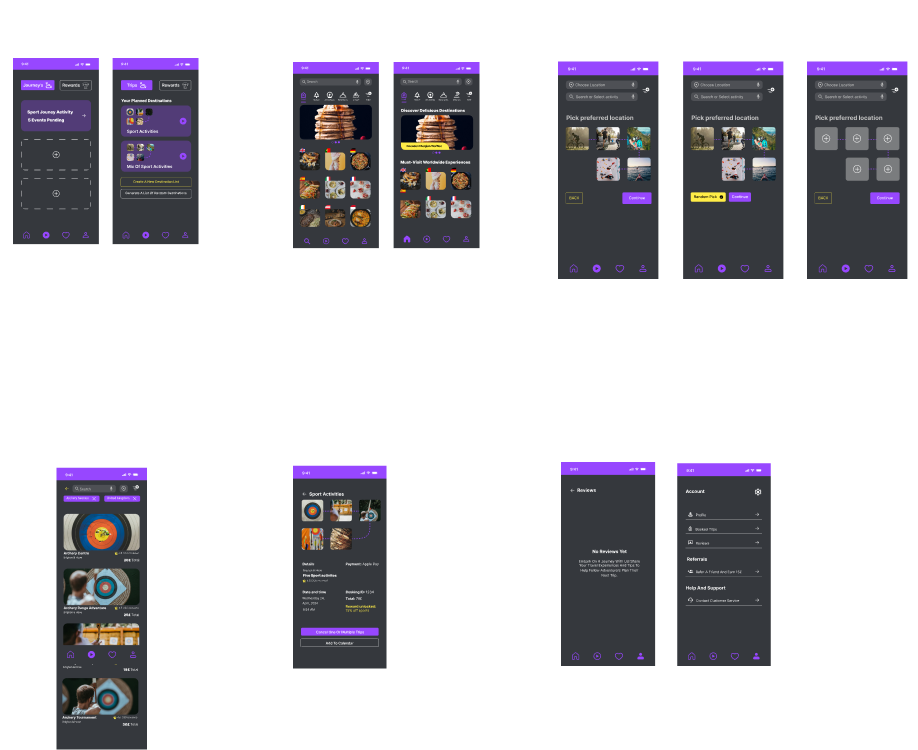
High-Fidelity Prototype & Screens

Key Screens

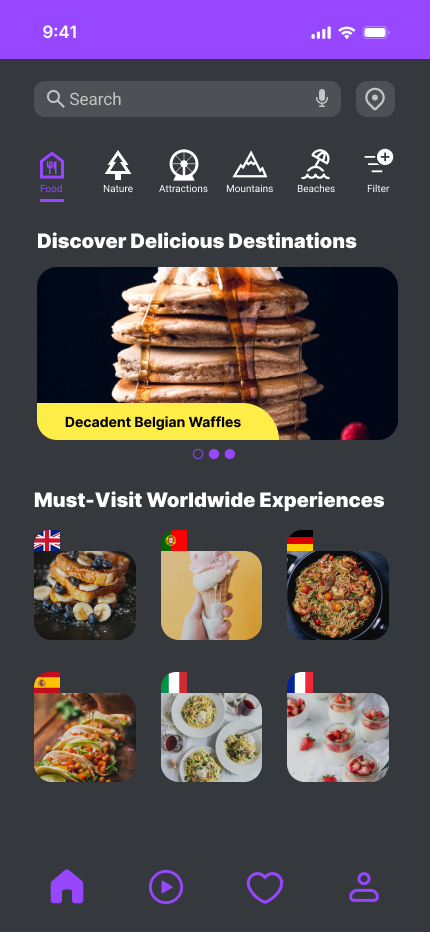
Activities Feed

Activities Feed

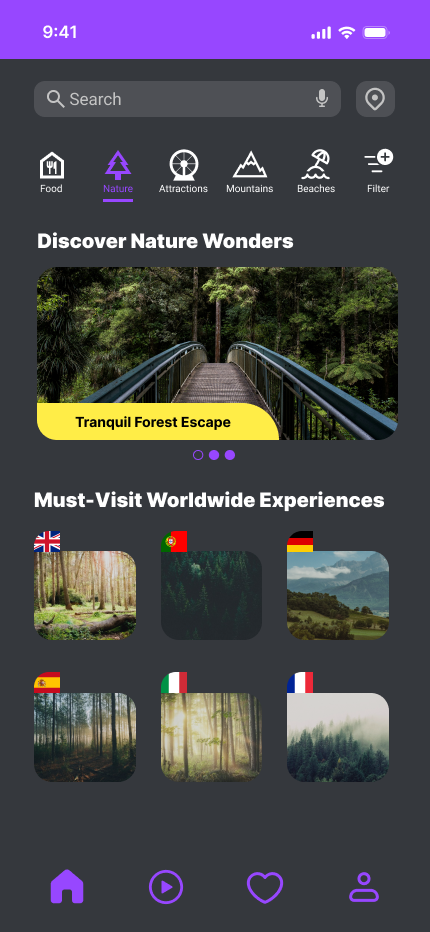
Explore View

Explore View

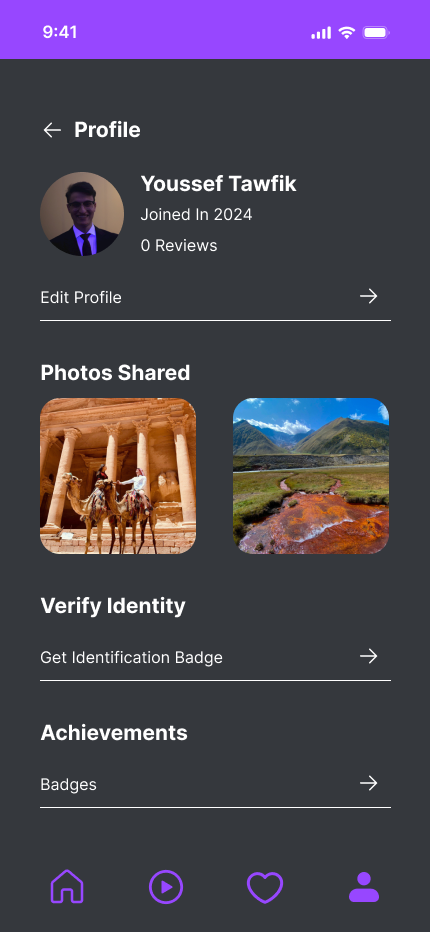
User Profile

Profile

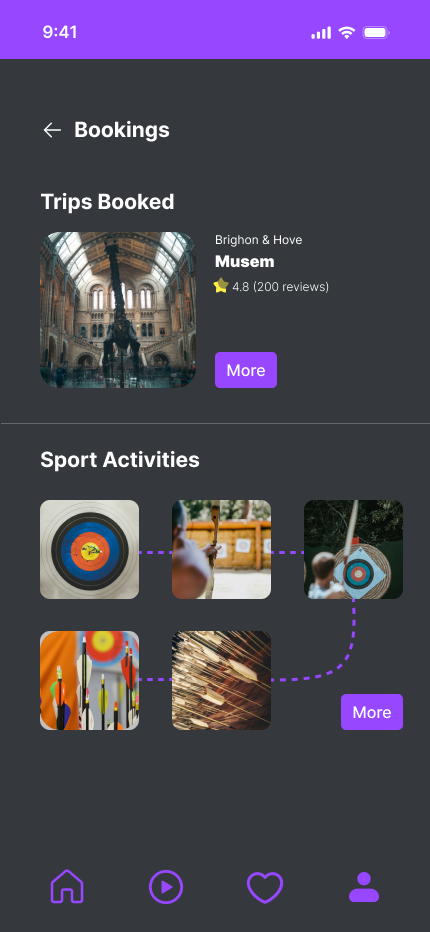
Activity Booking
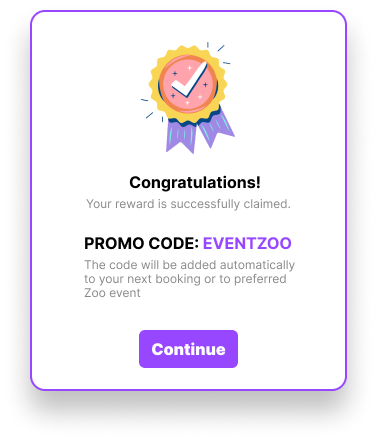
Booking

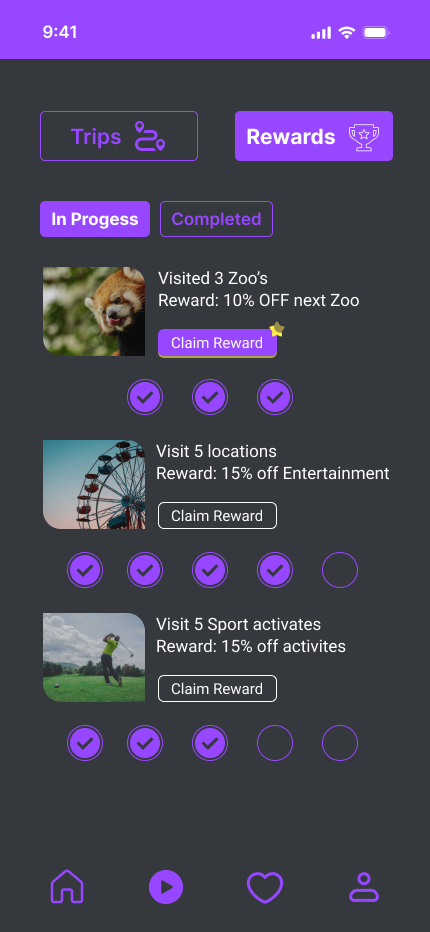
Rewards System

Rewards

Complete Screen Collection

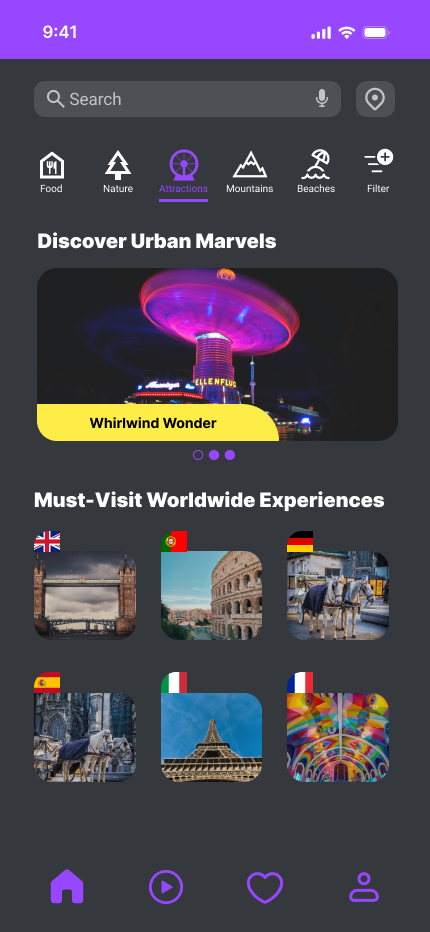
Home & Discovery
Home 1

Home 1

Home 2

Home 2

Home 3

Home 3

Home 4

Home 4

Home 5

Home 5

Core Features
Trips

My Trips

Rewards

Rewards

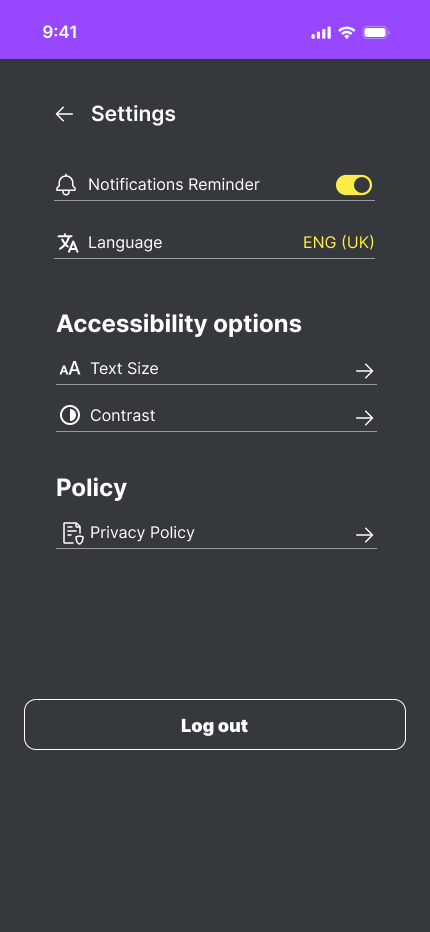
Settings

Settings

Profile

Profile

Booking

Booking

Additional Features
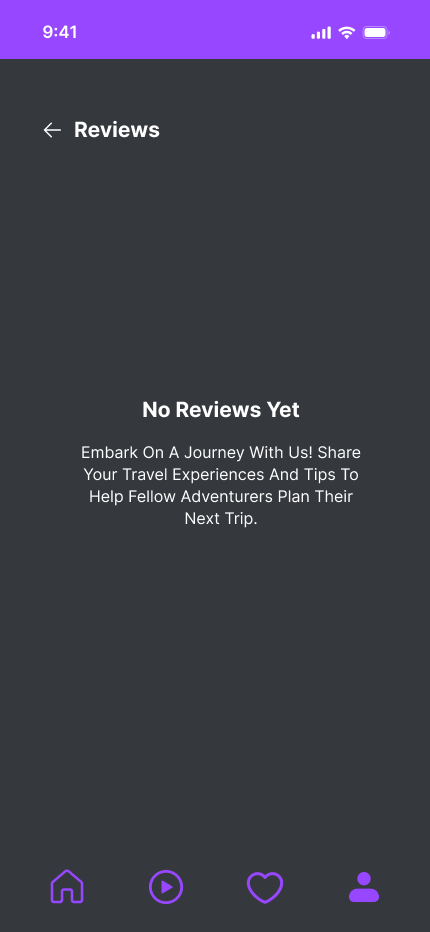
Reviews

Reviews

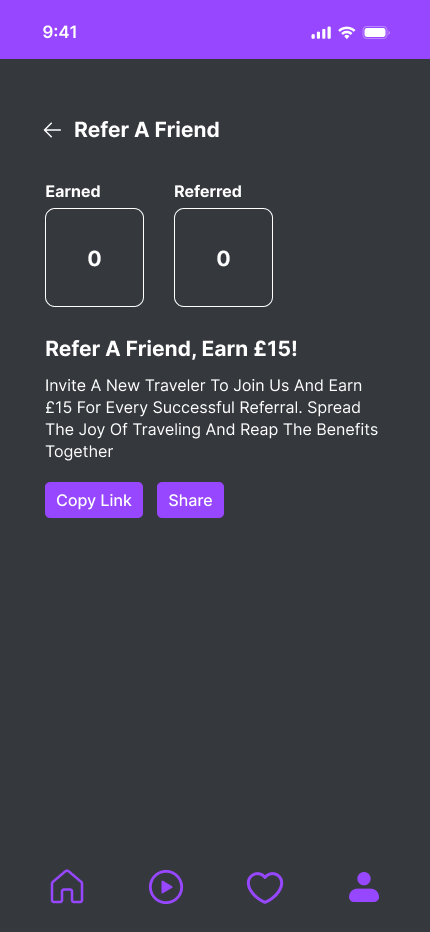
Referral

Referral

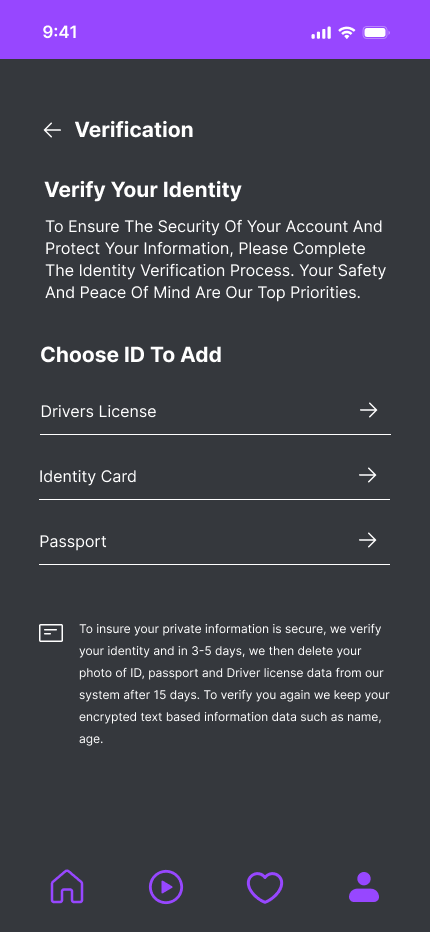
Verification

Verification

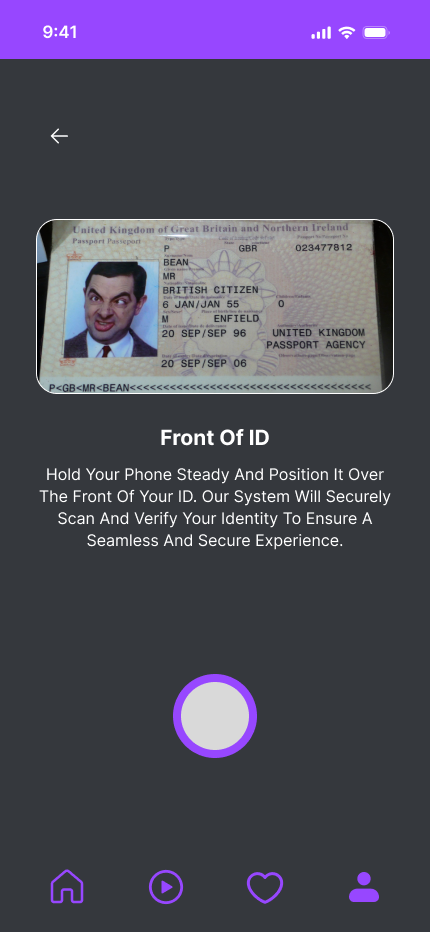
ID Verification

ID Verification

Checkout Preview

Checkout Preview

Popups & Modals
Promo Popup

Promo Popup

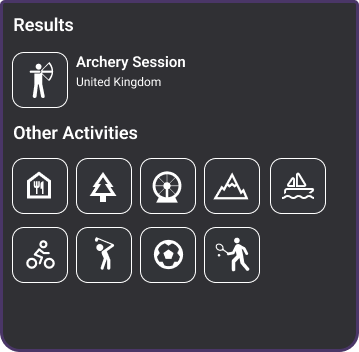
Activity Popup

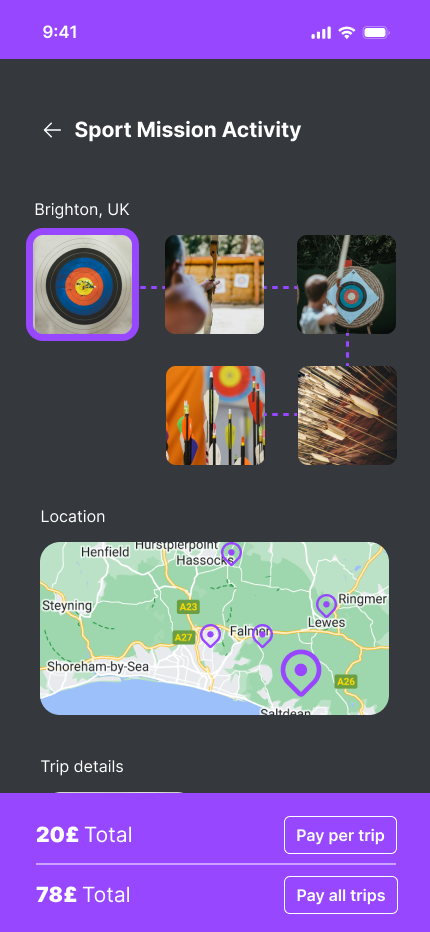
Activity Details

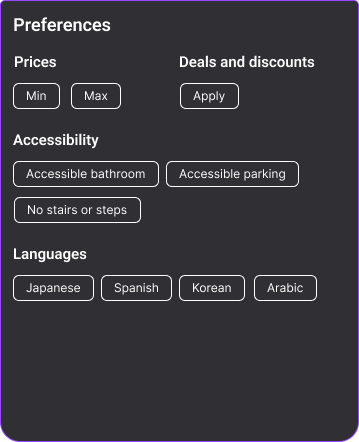
Filter Dropdown

Filter Options

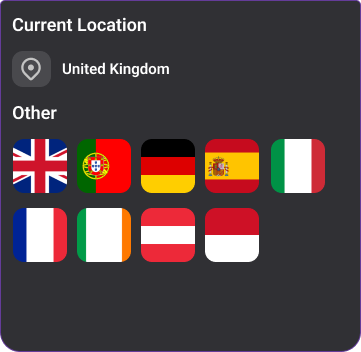
Location Dropdown

Location Selector

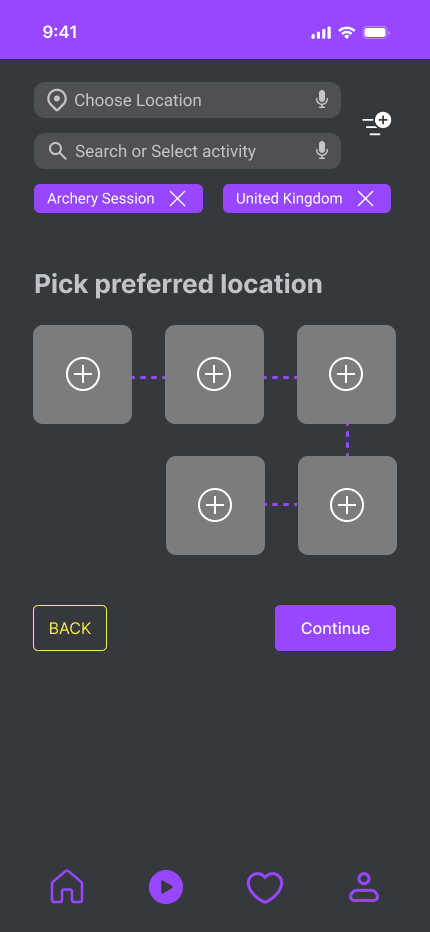
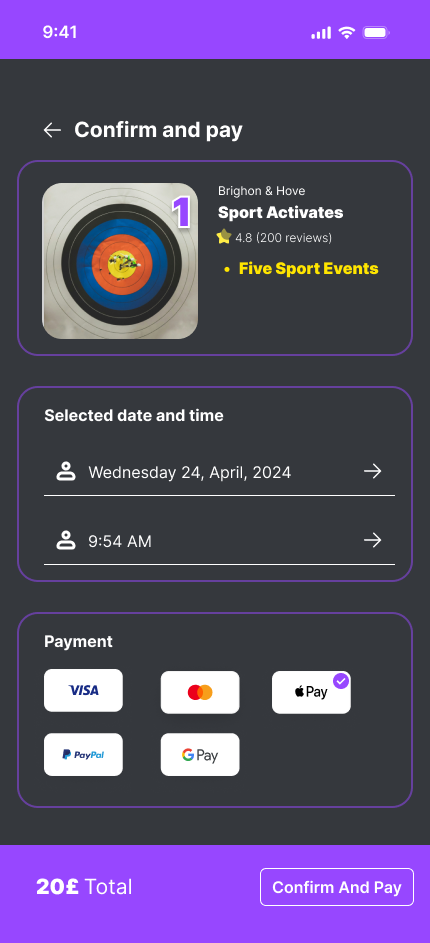
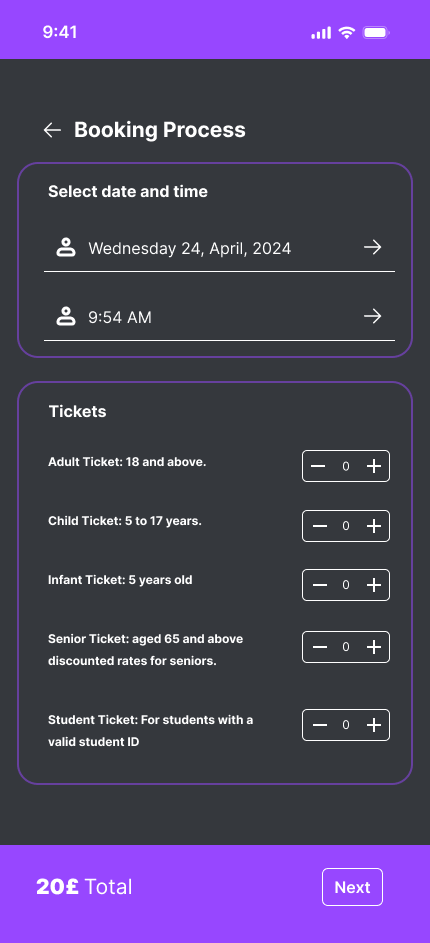
Booking & Payment Flow
Pick Location

Pick Location

Confirm Payment

Confirm Payment

Payment Success

Payment Success

Booking Process

Booking Process

More Settings

More Settings

High-Fidelity Testing Results

Participant 1 Feedback

Positive Feedback
  • • Welcome screen: Basic and smooth entry
  • • Navigation icons: Clear and informative
  • • Filter options: Praised as unique feature
  • • Activities information: Found useful
Improvement Suggestions
  • • Home page: Suggested catchy header and offers
  • • Journey booking: Replace with search option
  • • Profile section: Improve broken reviews
  • • Wishlist: Suggested more customization

Participant 2 Feedback

Positive Feedback
  • • Welcome screen: Positive initial impression
  • • Home page: Visually appealing
  • • Booking process: Satisfactory experience
  • • Wishlist functionality appreciated
Enhancement Requests
  • • Add more descriptive information
  • • Include wallet feature for transactions
  • • Add dark/light mode options
  • • Fix non-functioning reviews feature

Participant 3 Feedback

Positive Feedback
  • • Welcome screen: Approachable design
  • • Navigation bar: Useful and well-designed
  • • Rewards system: Positive feedback
  • • Wishlist: Praised usability
Improvement Areas
  • • Enhance activity section with more content
  • • Add names to flags for clarity
  • • Include back button in booking section
  • • Fix broken scroll function in profile

Design Iterations

Based on user feedback from testing sessions, multiple iterations were made to improve usability, visual hierarchy, and overall user experience.

Design Iterations - Before and After

Navigation Improvements

Enhanced icon clarity and added search functionality

Booking Flow Updates
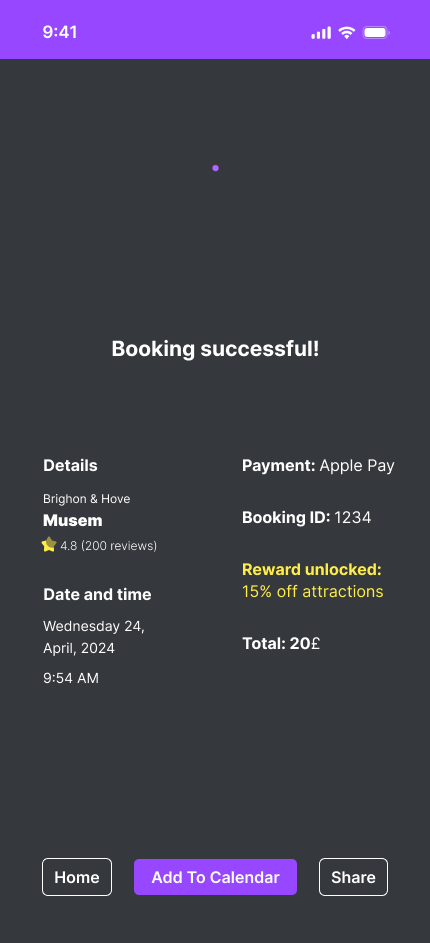
Streamlined process with better information architecture

Profile Enhancements

Fixed functionality issues and improved user experience

System Usability Results

Lewis, J. R. (1995) IBM Computer Usability Satisfaction Questionnaires - Quantitative Results / Qualitative Insights

How to read these scores: IBM CSUQ uses a 1–7 scale where lower scores indicate higher satisfaction (1 = strongly agree, 7 = strongly disagree). 3 of 4 dimensions scored 2.0 — placing them in the excellent range. Information Quality at 5.0 was the only gap, and directly shaped the design iteration priorities: navigation clarity, information hierarchy, and profile improvements.
2.0

System Usefulness

High satisfaction, simplicity, ease of learning

5.0

Information Quality

Mixed responses, needs improvement

2.0

Interface Quality

Pleasant and likable interface

2.0

Overall Satisfaction

Consistent positive agreement

Strengths

  • • Ease of Use: Consistently found easy to use and learn
  • • Efficiency: High ratings on productivity and task completion
  • • Interface Design: Positive feedback on visual appeal

Areas for Improvement

  • • Error Handling: Need for clearer error messages
  • • Information Clarity: Issues with documentation quality
  • • Support Features: Help resources need enhancement