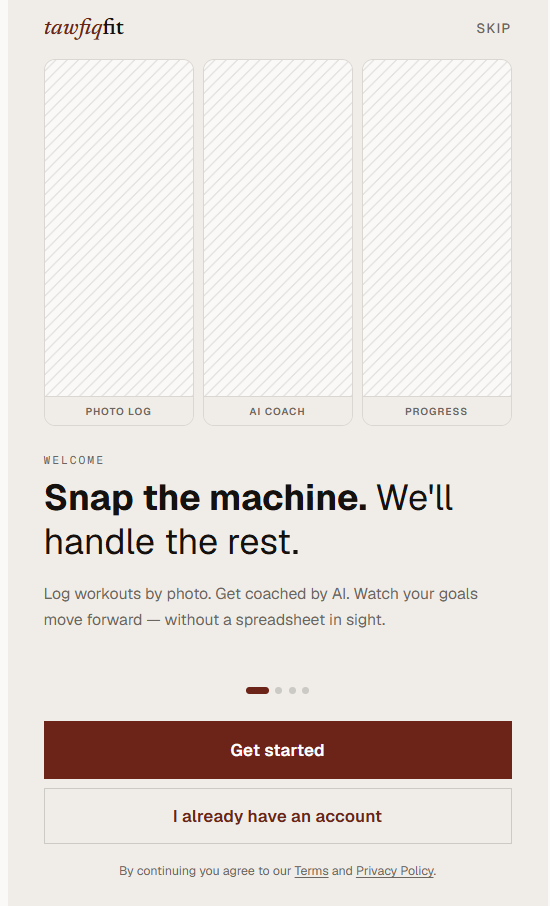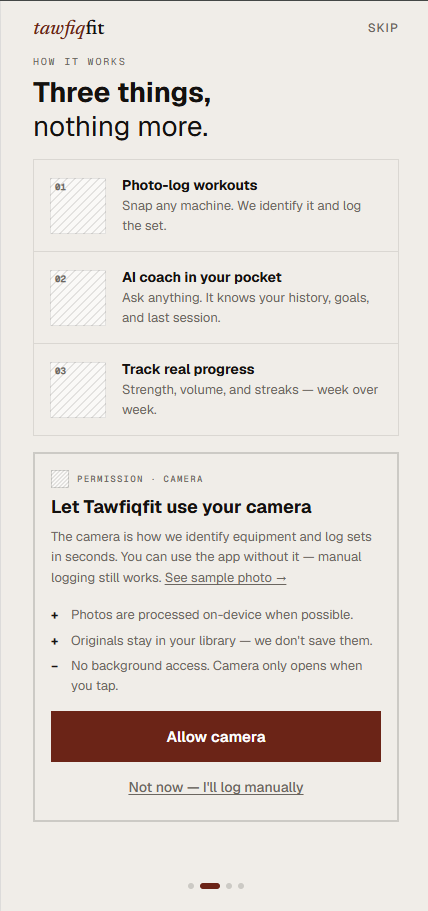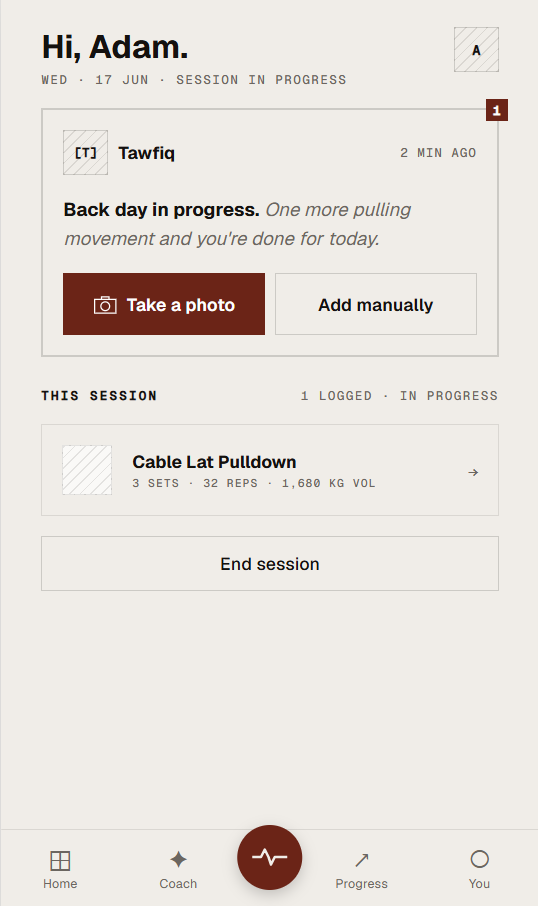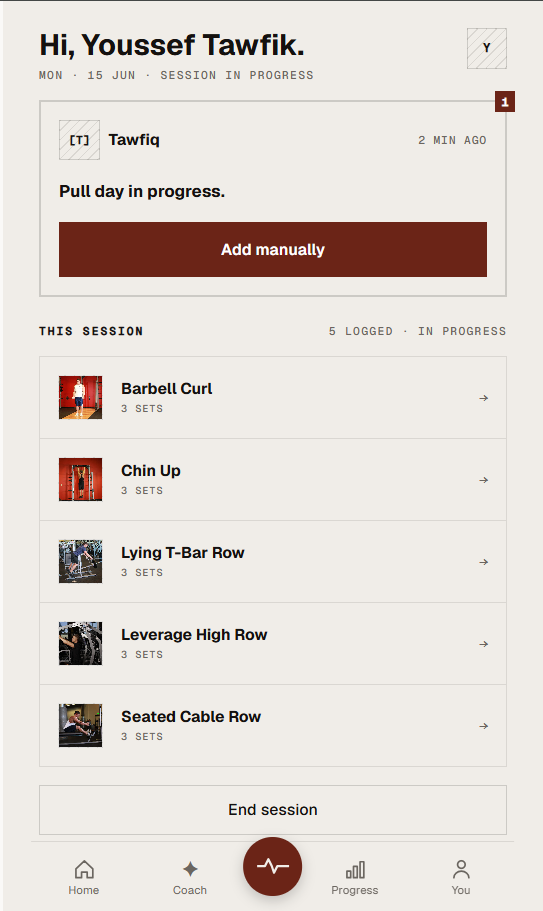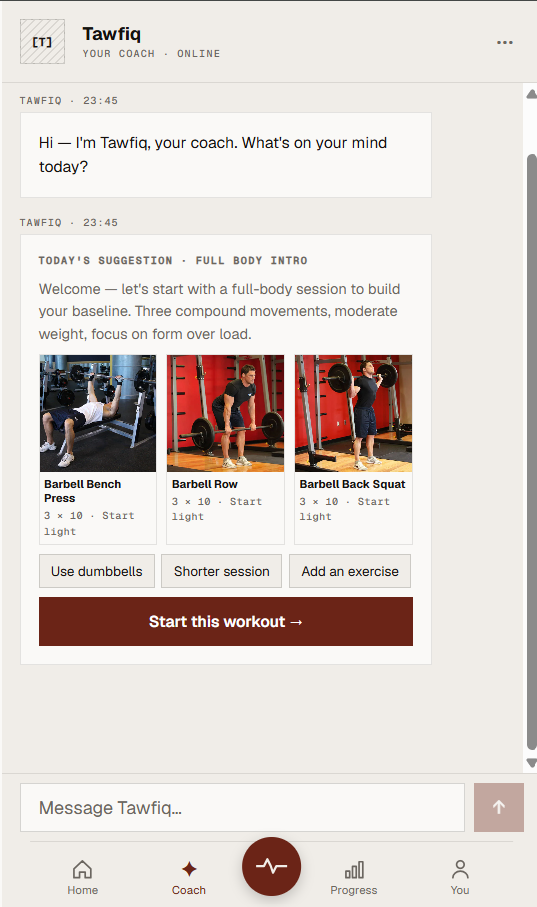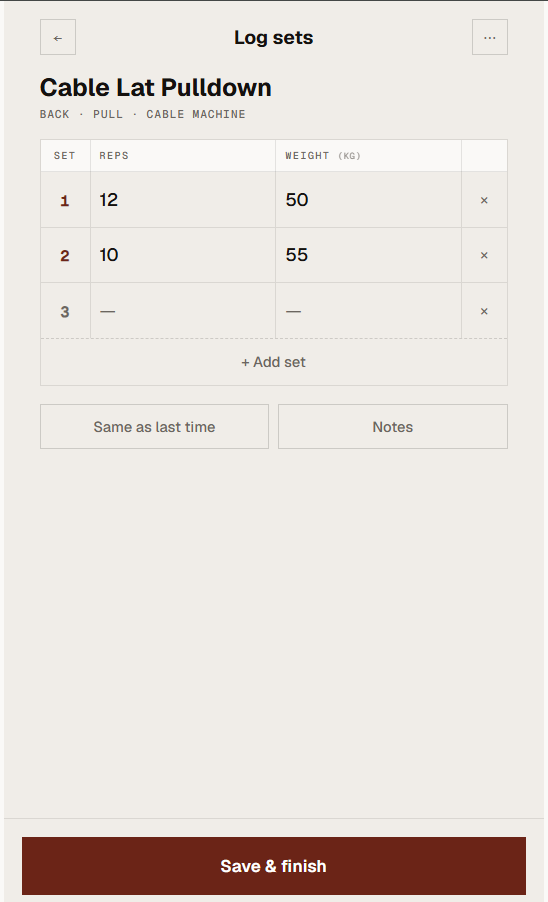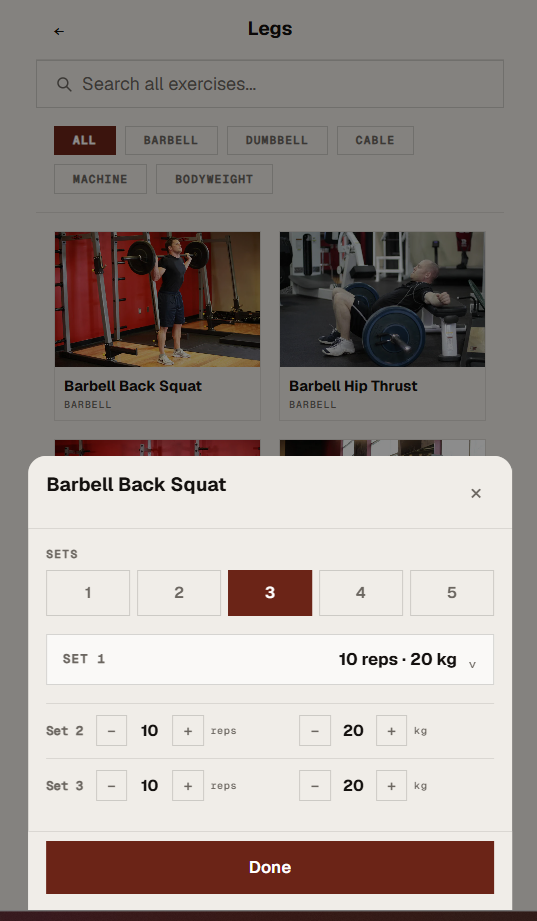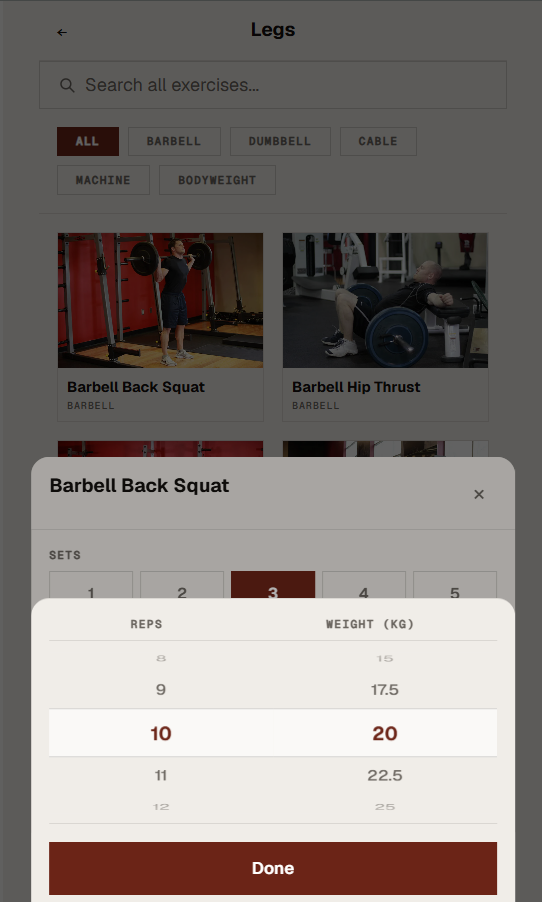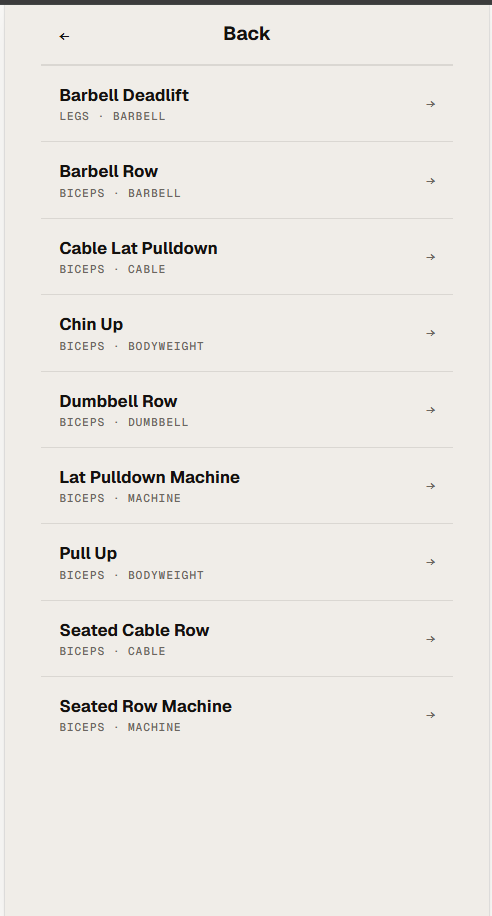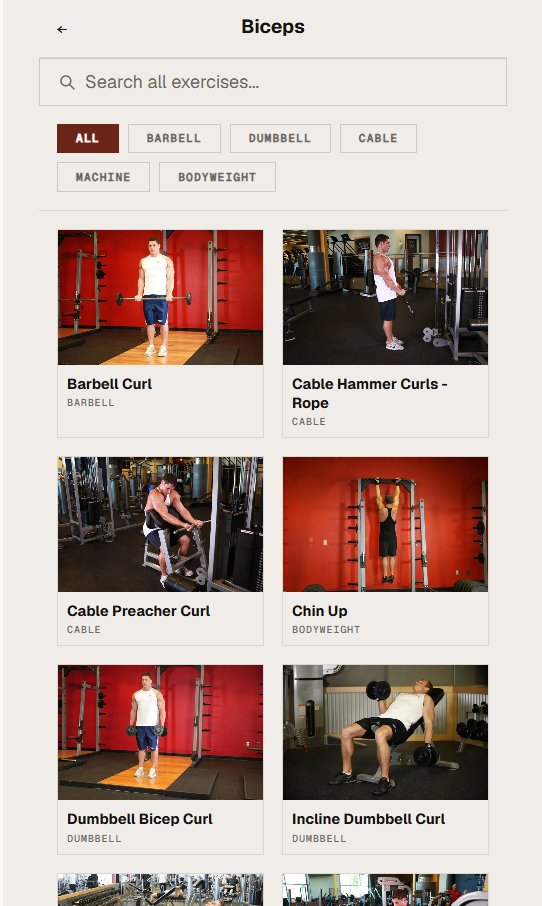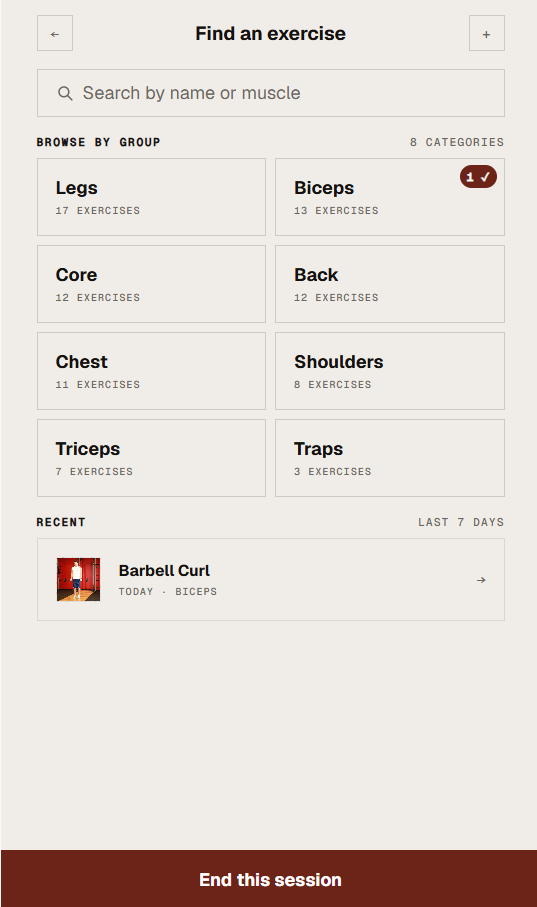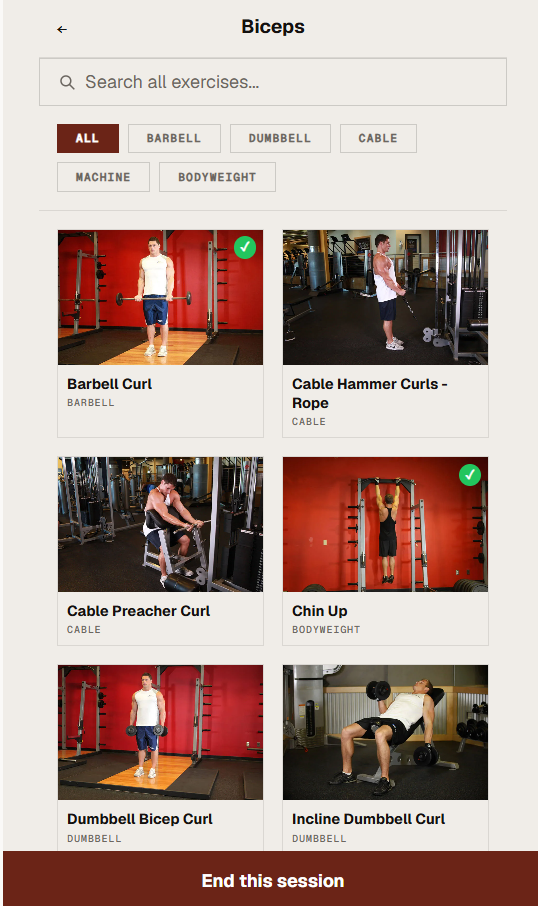
A personal fitness PWA where an AI coach named Tawfiq learns your workout history, adapts your plan in real time, and turns a photo of any gym machine into a logged exercise.
Demo v1.0
The Problem
UX Designer · Developer · Product
React · TypeScript · Vite · CSS tokens
Frontend complete · Backend next
17+ across all flows
Logging workouts at the gym is friction-heavy. Spreadsheets are slow. Most apps require you to know the exercise name before you can log it — and when you're between sets, the last thing you want to do is type.
TawfiqFit removes that barrier. Point your camera at any machine, the AI identifies it, and you log your sets in seconds. Tawfiq acts as a coach throughout — learning your history and goals to give guidance that's grounded in your actual data.
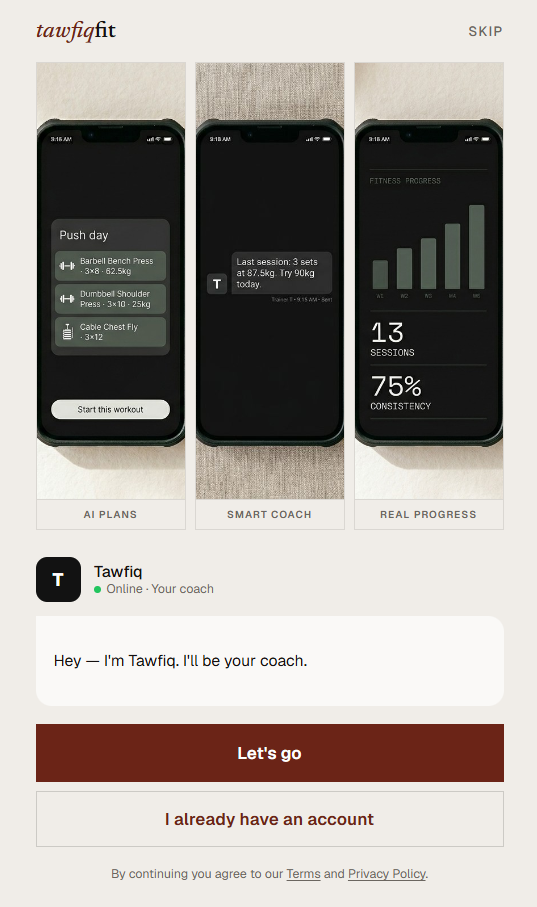
Snap any machine. AI identifies the exercise and logs the set. No typing required.
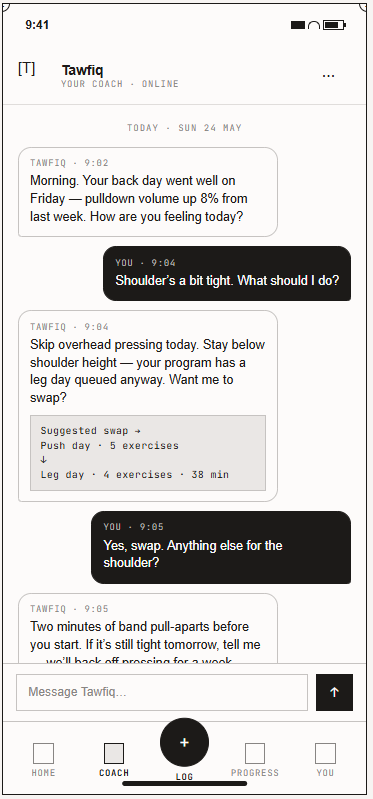
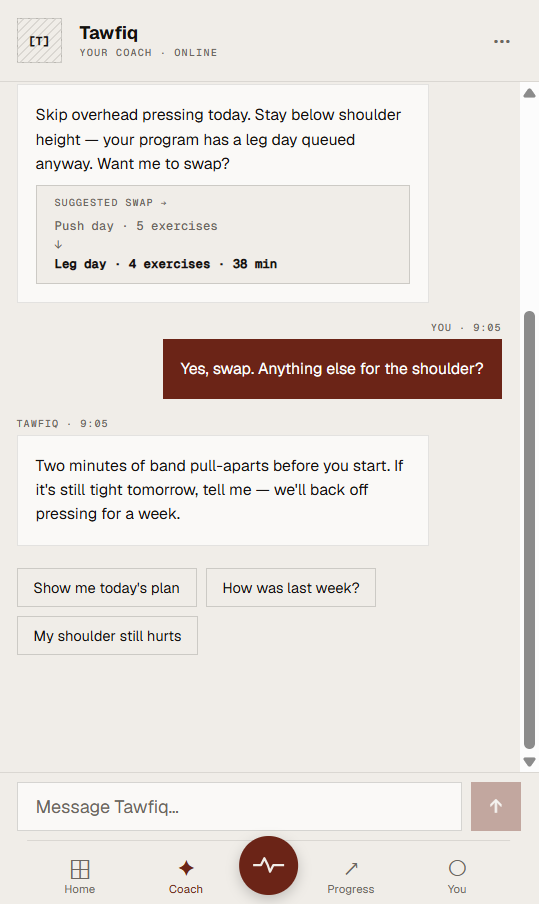
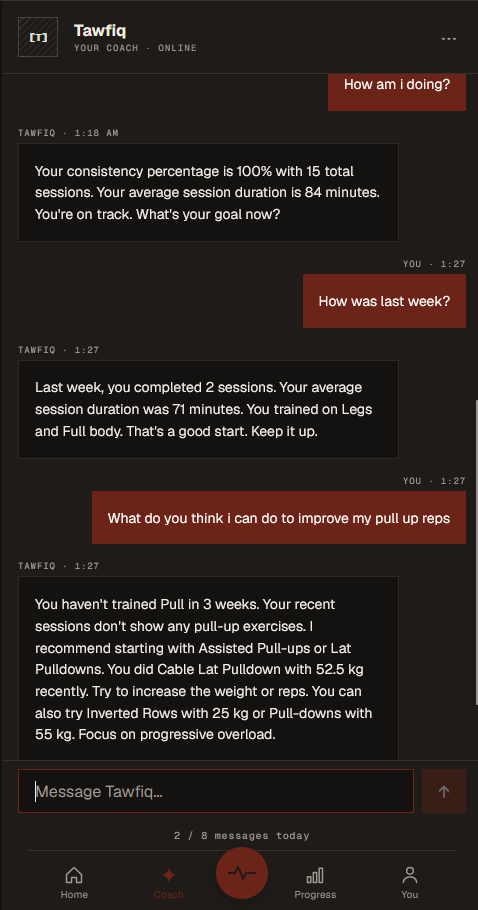
Ask anything. Tawfiq knows your history, your goals, and what you said last week.
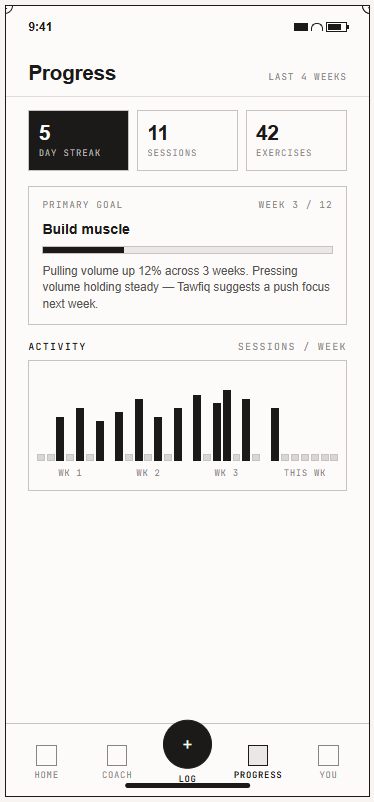
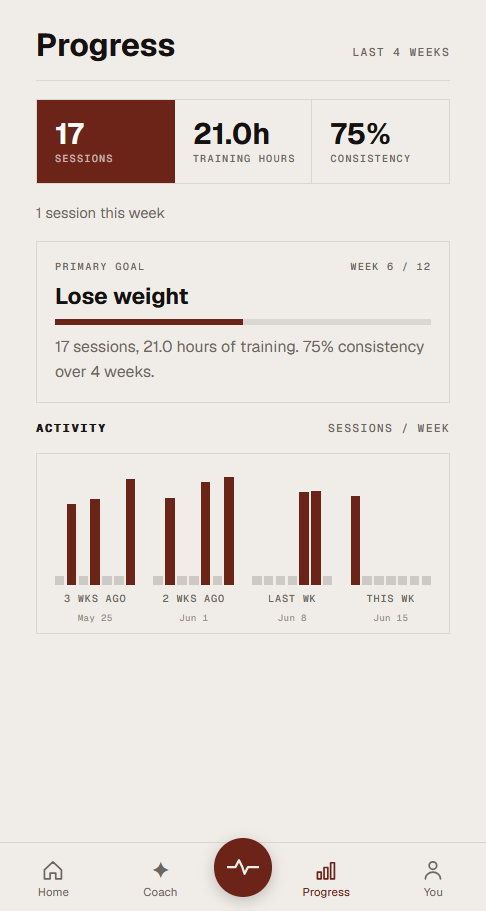
Strength, volume, streaks — compared week over week. Bar chart built in pure CSS, no charting library.
The Process
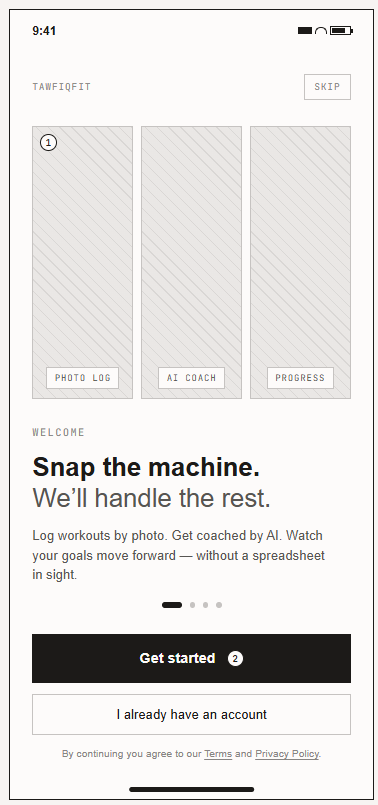
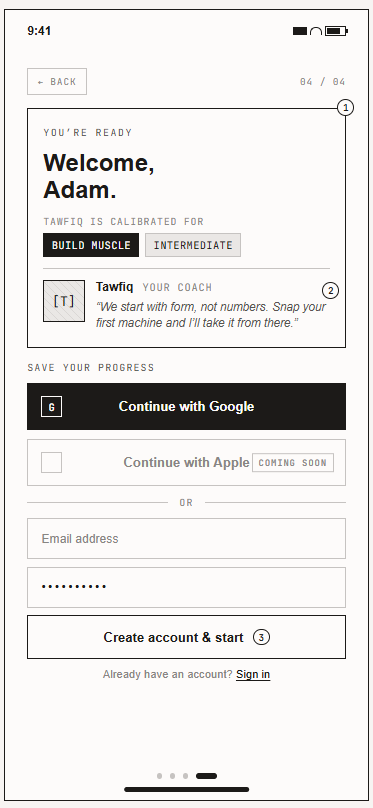
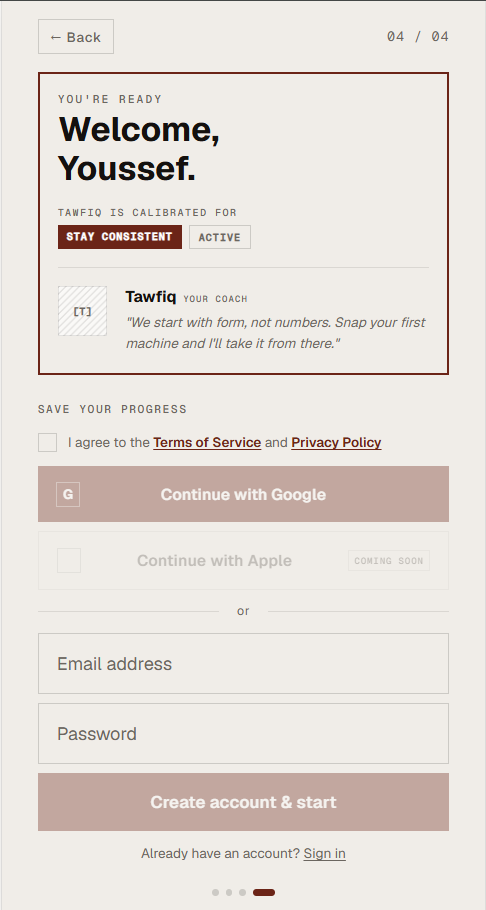
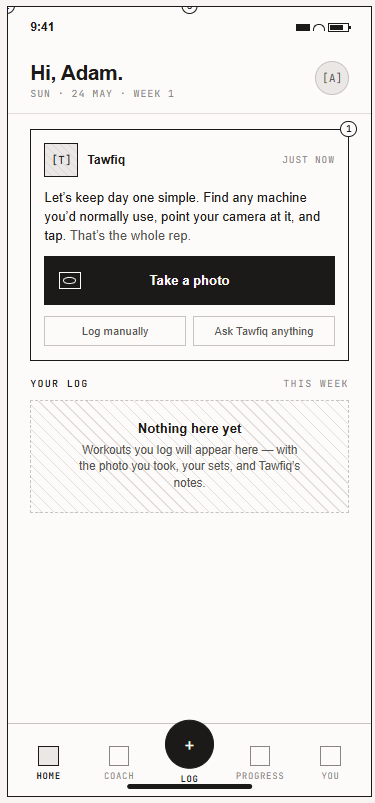
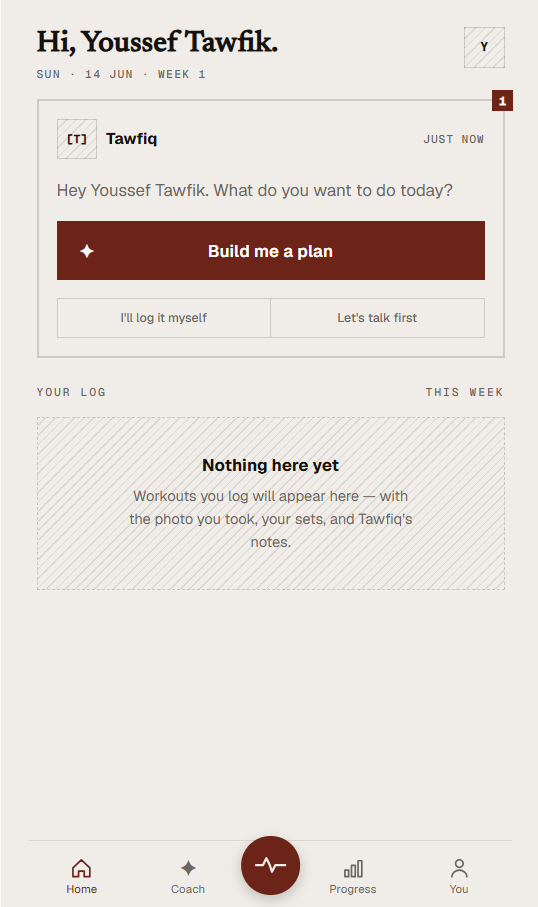
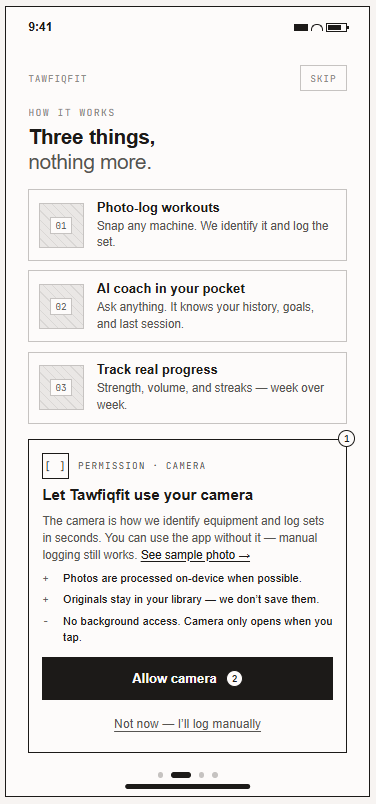
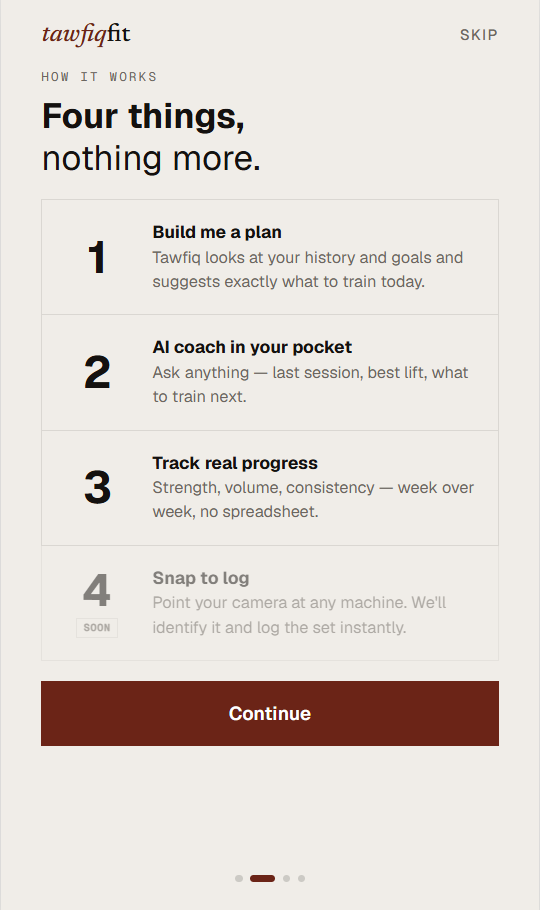
Every screen went from sketch to shipped. Left side shows the wireframe intent; right side shows the built result. Click any image to zoom.
Wireframe
Built
Splash sets the promise — point your camera, AI does the rest
Wireframe
Built
Personalisation complete — Tawfiq calibrated before a single account detail is entered.
Wireframe
Built
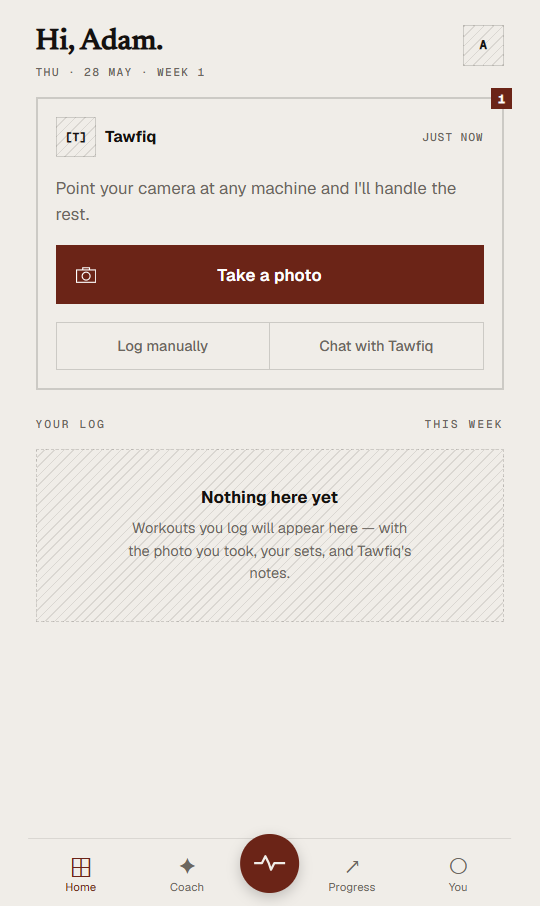
Empty home prompts the first action — Tawfiq speaks, zero stats don't
Wireframe
Built
Camera viewfinder — the entire logging flow starts with one tap
Wireframe
Built
AI identifies the machine — confidence score shown, corrections available
Wireframe
Built
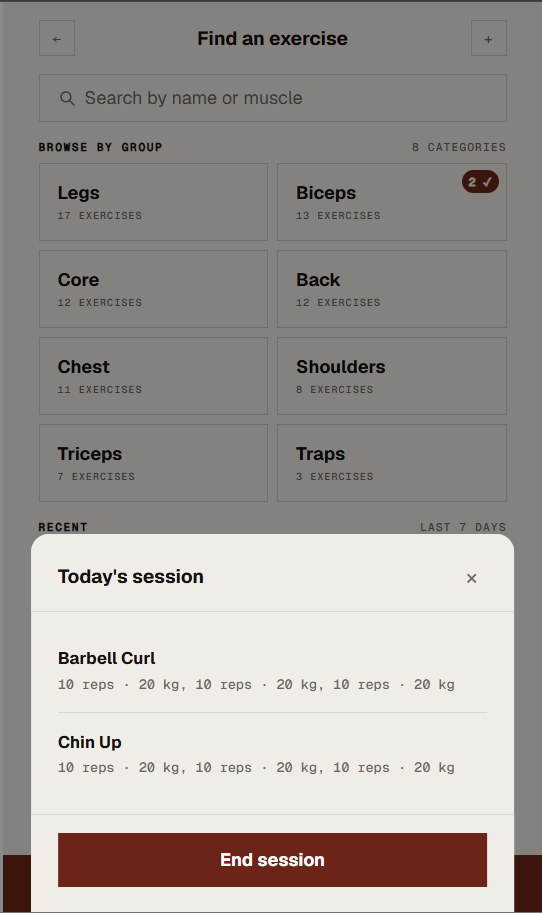
Set-by-set logger with running weight and rep totals
Wireframe
Built
Active session lives in the home tab — navigate freely without losing context
Wireframe
Built
Coach chat — interactive, context-aware, AI-ready
Wireframe
Built
Progress — three KPIs, one goal bar, one chart. Nothing more.
Wireframe
Built
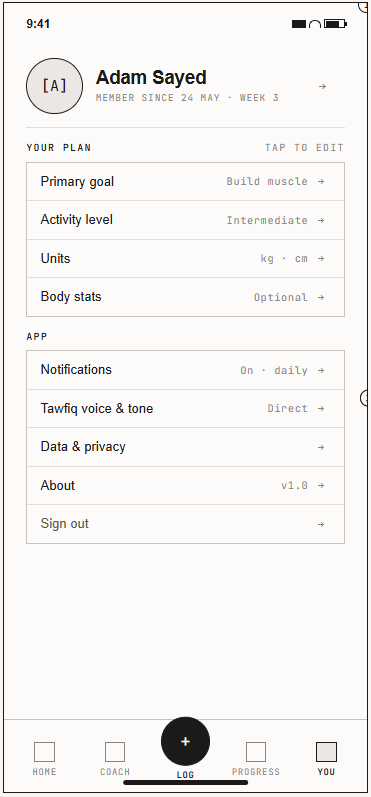
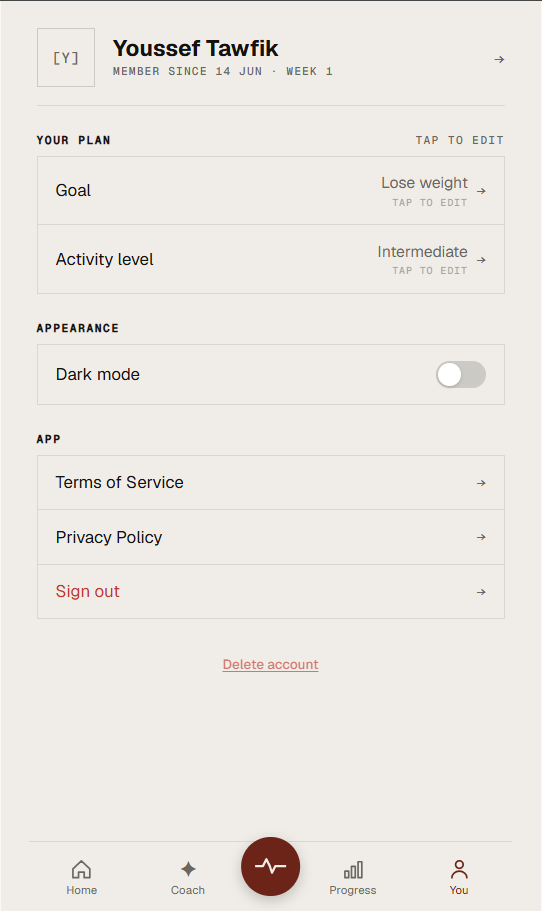
Profile — your plan first, app settings second
Visual Identity
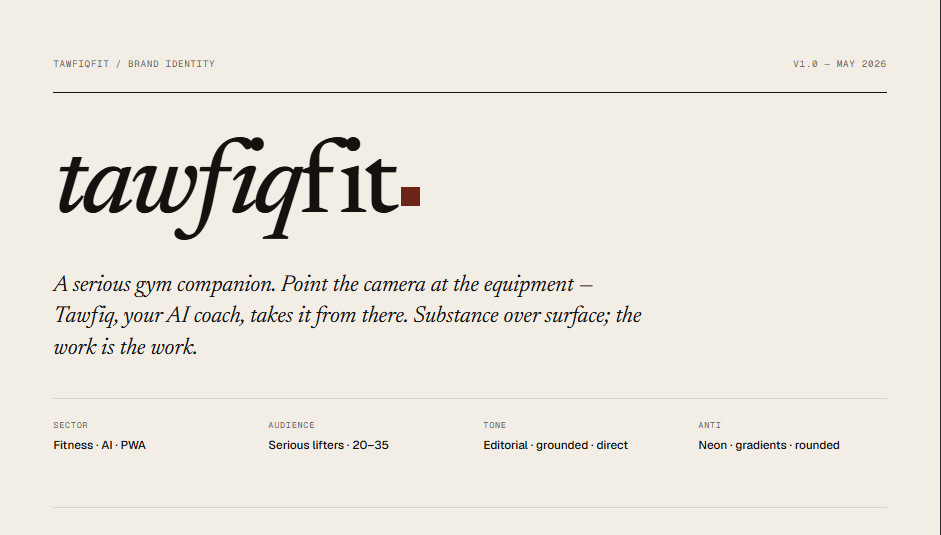
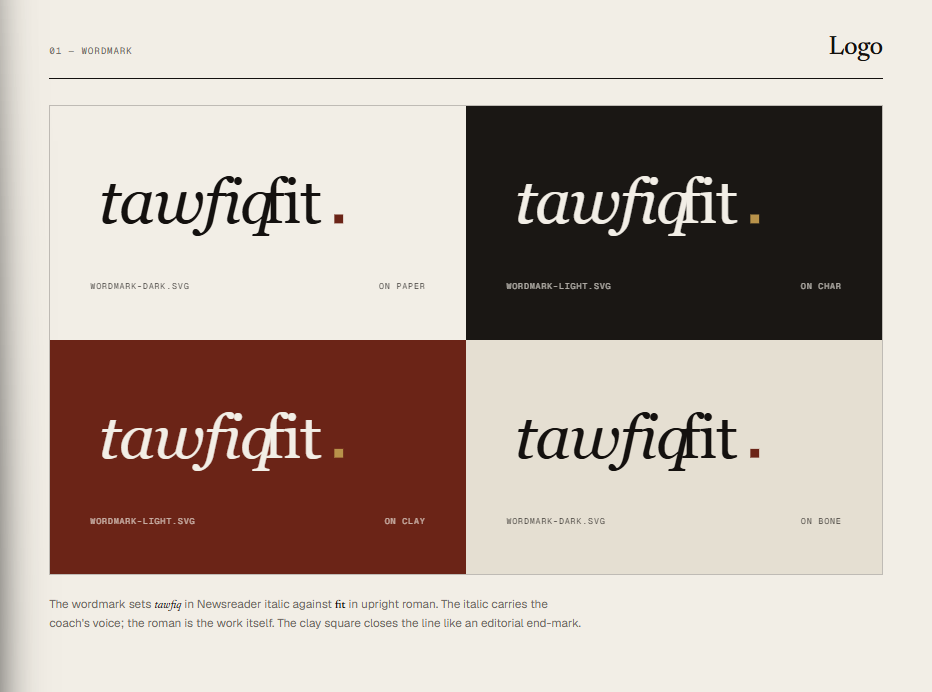
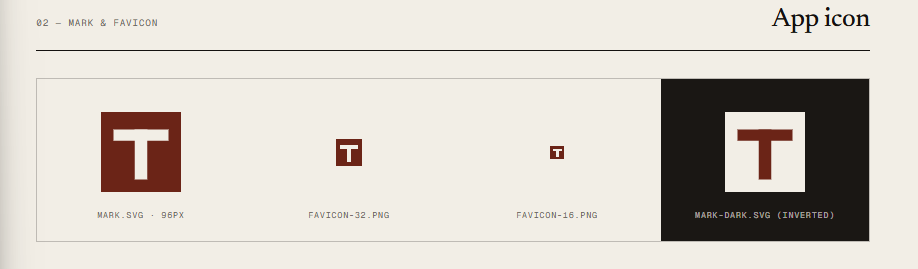
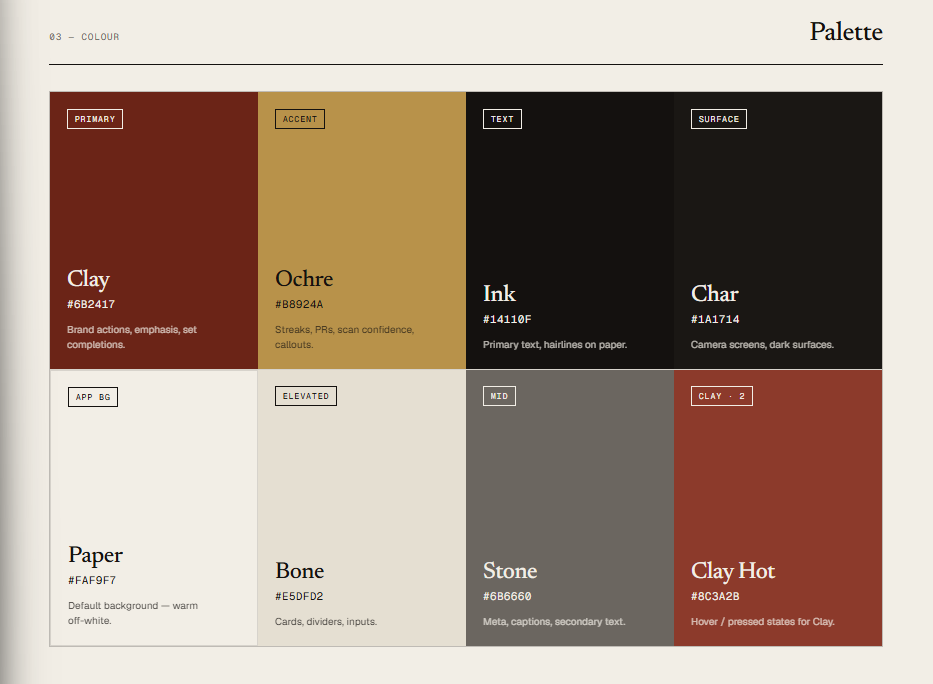
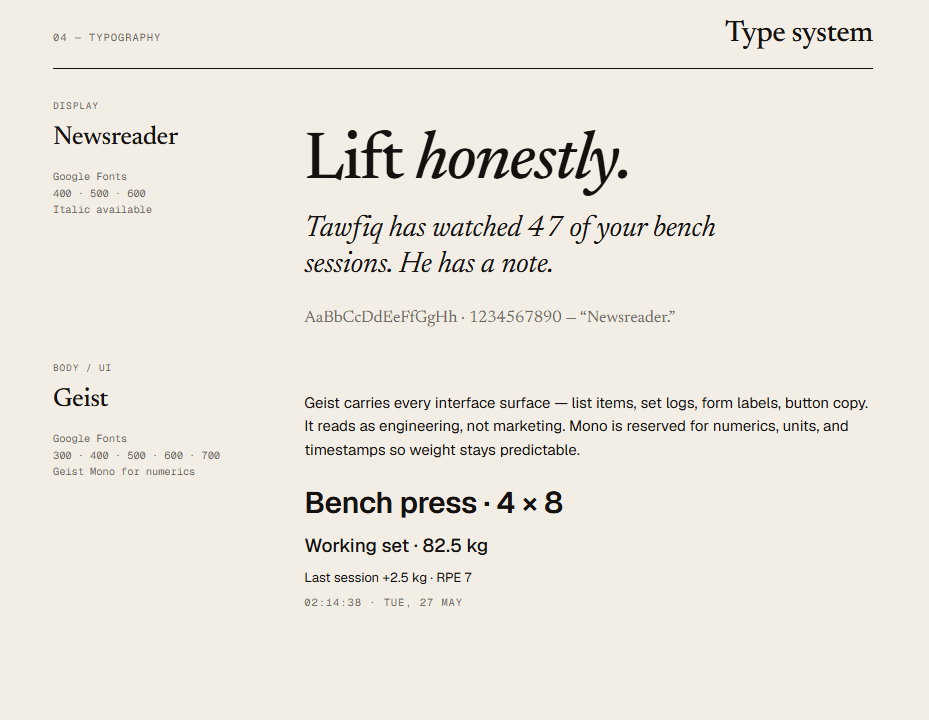
Designed before a single component was built. Every colour, typeface, and mark is intentional — and lives in one file.
tokens.css
:root {
/* Surfaces */
--tf-paper: #FAF9F7;
--tf-bone: #E5DFD2;
--tf-char: #1A1714;
--tf-ink: #14110F;
--tf-stone: #6B6660;
/* Brand */
--tf-clay: #6B2417;
--tf-clay-2: #8C3A2B;
--tf-ochre: #B8924A;
}
Fonts & stacks
--tf-font-display: "Newsreader", Georgia, serif;
--tf-font-body: "Geist", ui-sans-serif, sans-serif;
--tf-font-mono: "Geist Mono", ui-monospace, Menlo, monospace;
Delivered files
assets/
tokens.css
wordmark-dark.svg
wordmark-light.svg
mark.svg
mark-dark.svg
favicon-32.png
favicon-16.png
Design Thinking
Ten moments where the obvious path was wrong — and why the less obvious one shipped instead.
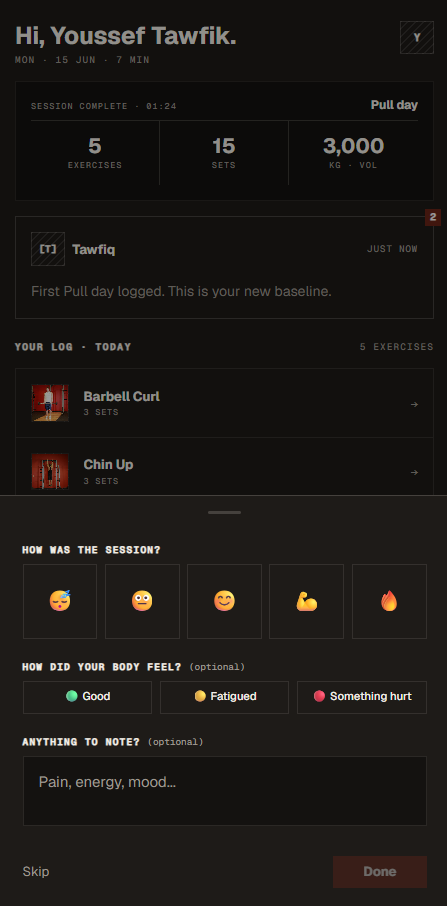
Before: 2 confirmation screens users had to tap through after every session
Before — 2 extra screens
After — toast + inline summary
Why: Two screens forcing users to acknowledge completion added 0 value — the data was already saved. Toast + bottom sheet delivers the same information with zero extra taps and zero navigation cost.
Before: "See alternatives" navigated to a new page, losing the identified exercise card
Why: Navigating away creates cognitive overhead — users lose the identified exercise context while browsing alternatives. A bottom sheet expands below without replacing what's already confirmed.
The alternatives list is a component rendered inside the same screen via a local showAlternatives state flag — no routing, no back-button fragility.
Same screen, different exit destinations based on entry point
Why: From a session → back returns to the session. From home → back returns to home. Implemented via { from: 'session' } route state — no duplicate routes needed.
Users see the product before being asked to sign up
Why: Asking for an account before demonstrating value is a conversion killer. Users select their goal, pick their activity level, and see the camera flow — signup then becomes a natural commitment rather than a gate.
Originally wireframed and designed; removed before a single line was written
Wireframes that were cut
Why it was cut
"Repeat last session" requires real historical session data from a database to be meaningful. Building a mock version would create a fake interaction that cannot be verified for actual user value. Complexity without proportional benefit — moved to the backend roadmap where it belongs.
Cutting a designed feature before it ships is one of the hardest UX calls. Shipping an interaction built on fake data is always worse than shipping less.
Every "smart" feature was audited: is this actually AI, or just a query?
Camera identification
✓ Real AIWhat the user sees: Exercise name + confidence score
What actually runs: Vision-capable AI model — image encoded and sent to model API
Tawfiq coach chat
✓ Real AIWhat the user sees: Personalised coaching advice
What actually runs: AI language model — prompt includes session history + goals
Exercise history recall
DB queryWhat the user sees: "You did 3×12 last week"
What actually runs: Database query + string template
Progress stats
SQLWhat the user sees: Streak, volume, weekly delta
What actually runs: SQL aggregates
Rest timer
JS timerWhat the user sees: Countdown between sets
What actually runs: setTimeout()
| Feature | What the user sees | What actually runs | Real AI? |
|---|---|---|---|
| Camera identification | Exercise name + confidence score | Vision-capable AI model — image encoded and sent to model API | ✓ Real AI |
| Tawfiq coach chat | Personalised coaching advice | AI language model — prompt includes session history + goals | ✓ Real AI |
| Exercise history recall | "You did 3×12 last week" | Database query + string template | DB query |
| Progress stats | Streak, volume, weekly delta | SQL aggregates | SQL |
| Rest timer | Countdown between sets | setTimeout() | JS timer |
Why: Labelling a database query as "AI" is dishonest and creates wrong expectations. If a deterministic function handles a feature well, AI is the wrong tool. This audit also keeps API costs near zero — only the 2 genuinely intelligent features ever hit the model.
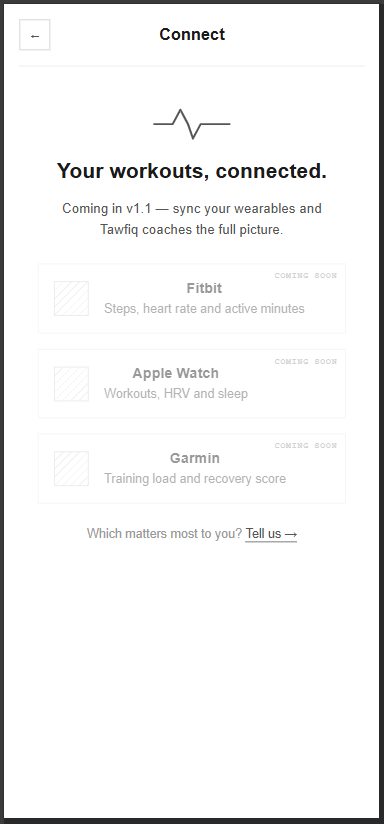
The wearables feature is shown as 'coming soon' — and asks users which to build first
Why: Device sync (Fitbit, Apple Watch, Garmin) is a v1.1 feature, not built yet. Rather than hide it or fake it, the Connect screen presents it honestly as 'coming soon' and asks 'which matters most to you?' — turning a placeholder into a way to learn which integration users actually want first. Commit to the vision, but let real demand decide the roadmap.
Every visual decision lives in one file
Why: No Tailwind, no Bootstrap — every color, radius, and spacing is a CSS custom property. Global theme changes are one-line edits. Each component's styles reference tokens directly via .module.css files.
The AI behind the coach can be upgraded anytime — the user never notices
Why: AI services change fast — they get better, cheaper, or occasionally go down. The coach was built so a better AI can be swapped in at any time, and the user never notices a thing: same chat, just smarter answers over time. The user gets continuity; the product keeps improving without a rebuild.
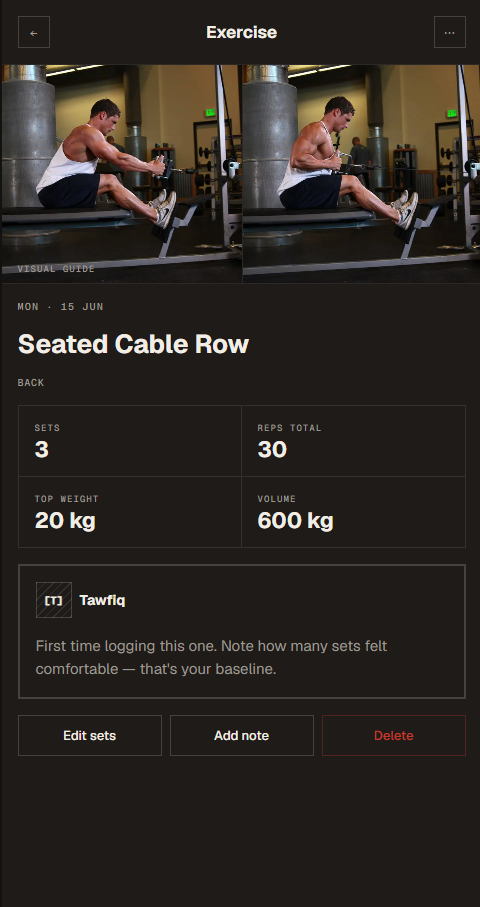
Default · Edit · Delete confirmation · Post-delete return to home
Default view
Delete confirm
Why: Happy-path-only UX breaks in production. Delete is destructive — a confirmation bottom sheet is mandatory. The undo toast after deletion provides a safety net without blocking the action. All 4 states were designed in wireframes before a line of code was written.
Roadmap
The frontend is complete — 17+ screens, all flows built, PWA manifest live. The backend phase turns the prototype into a real product.
Users
goals, activity level, streak, created_at
Sessions
user_id, date, duration, volume_total
Exercises
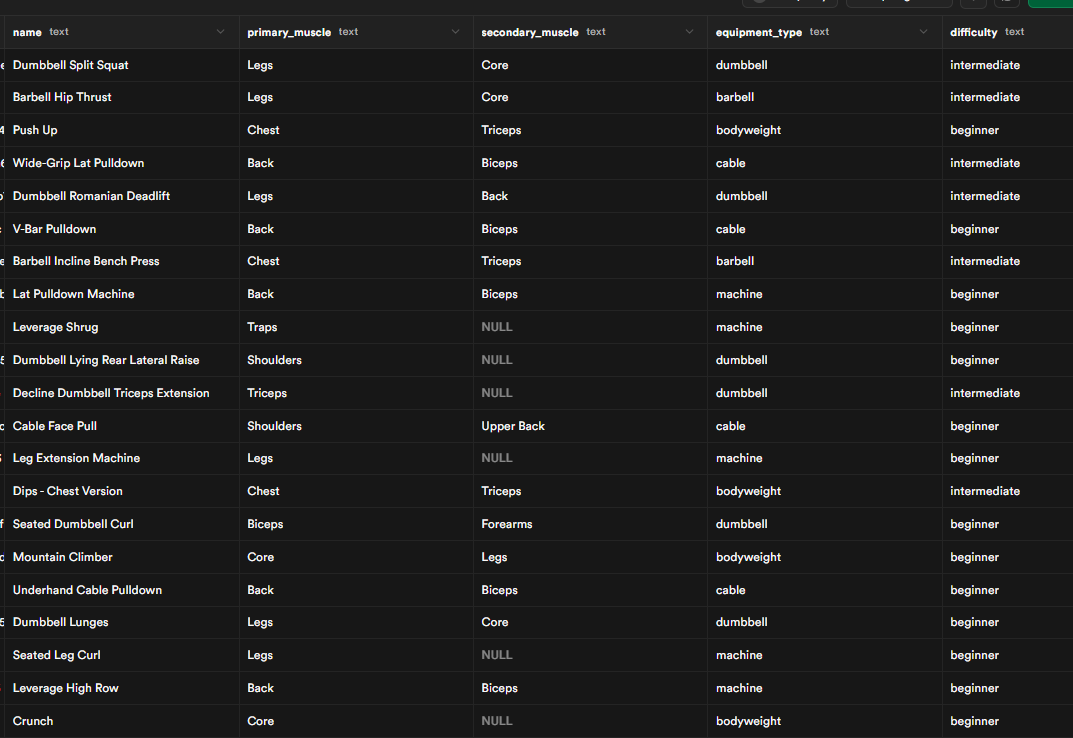
session_id, name, muscle_groups, ai_identified
Sets
exercise_id, reps, weight_kg, set_number
Photos
exercise_id, storage_url, ai_confidence, raw_response
Current status
All 17+ screens built, all flows functional with mocked data, PWA manifest installed. Backend architecture finalised; implementation begins next sprint.